Traefik Manager – UI Examples
Initial Setup
When first launching Traefik Manager you are guided through a short setup wizard.
Screenshots coming soon — setup screen is currently in development.
Dashboard
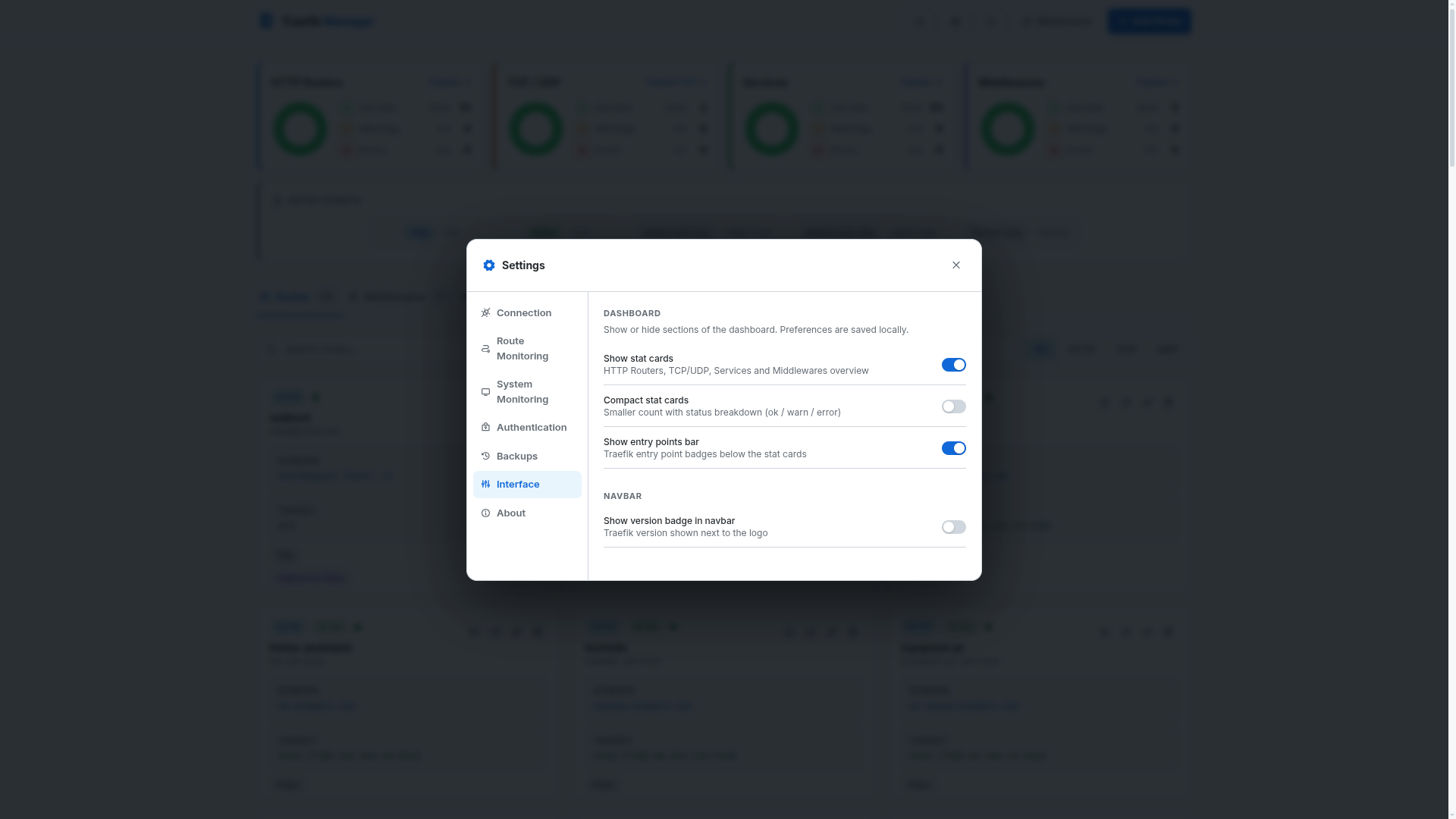
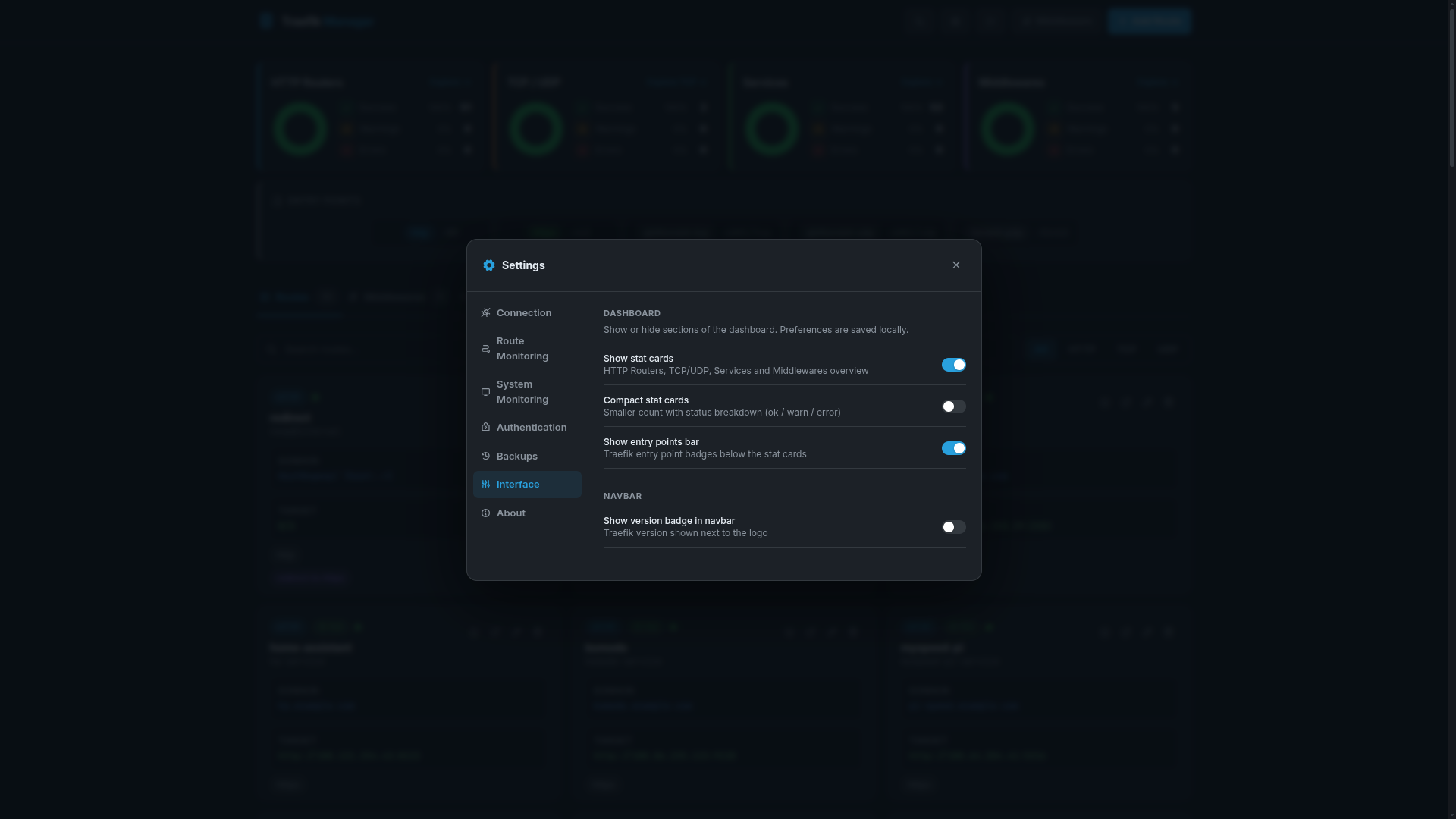
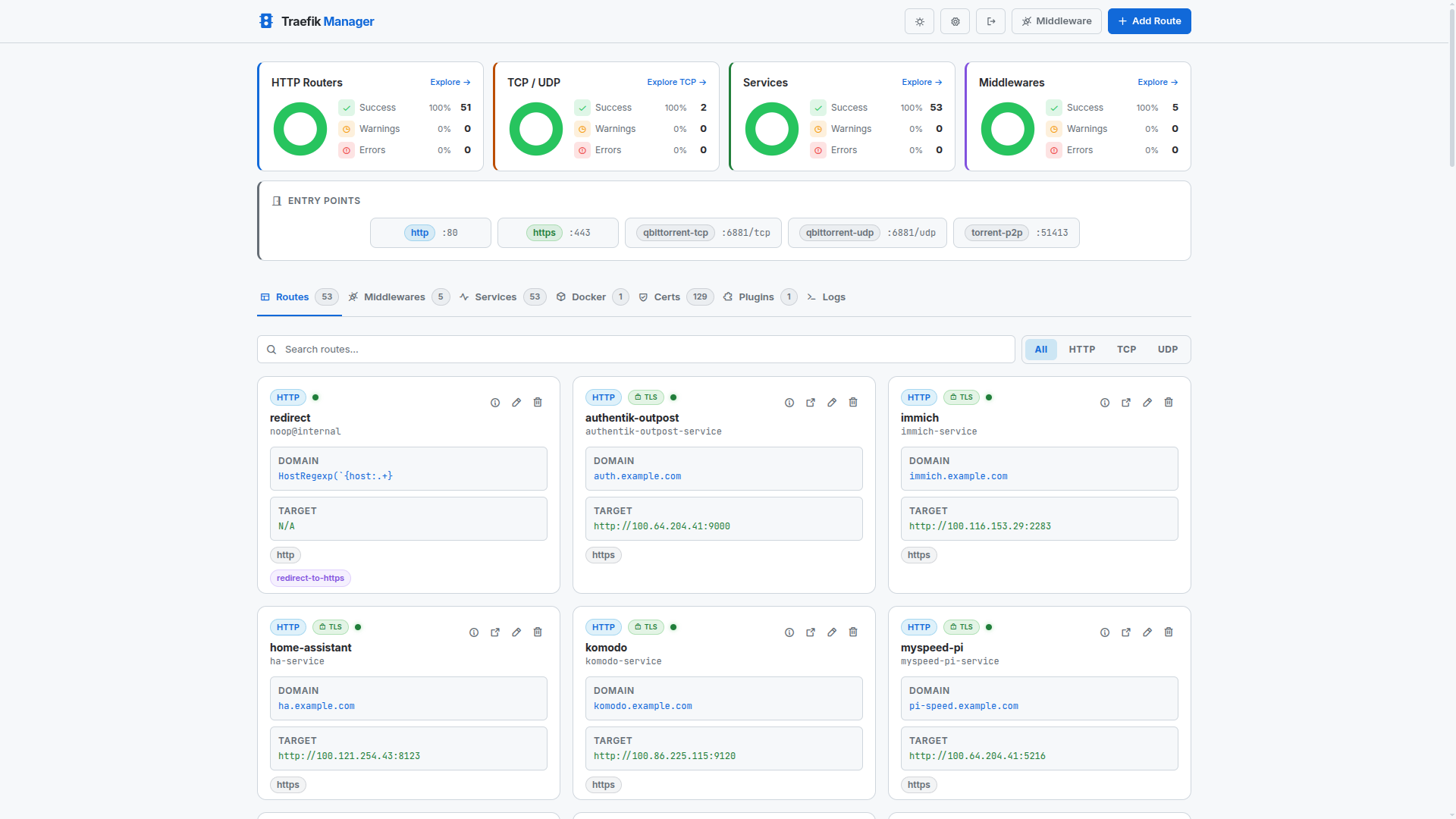
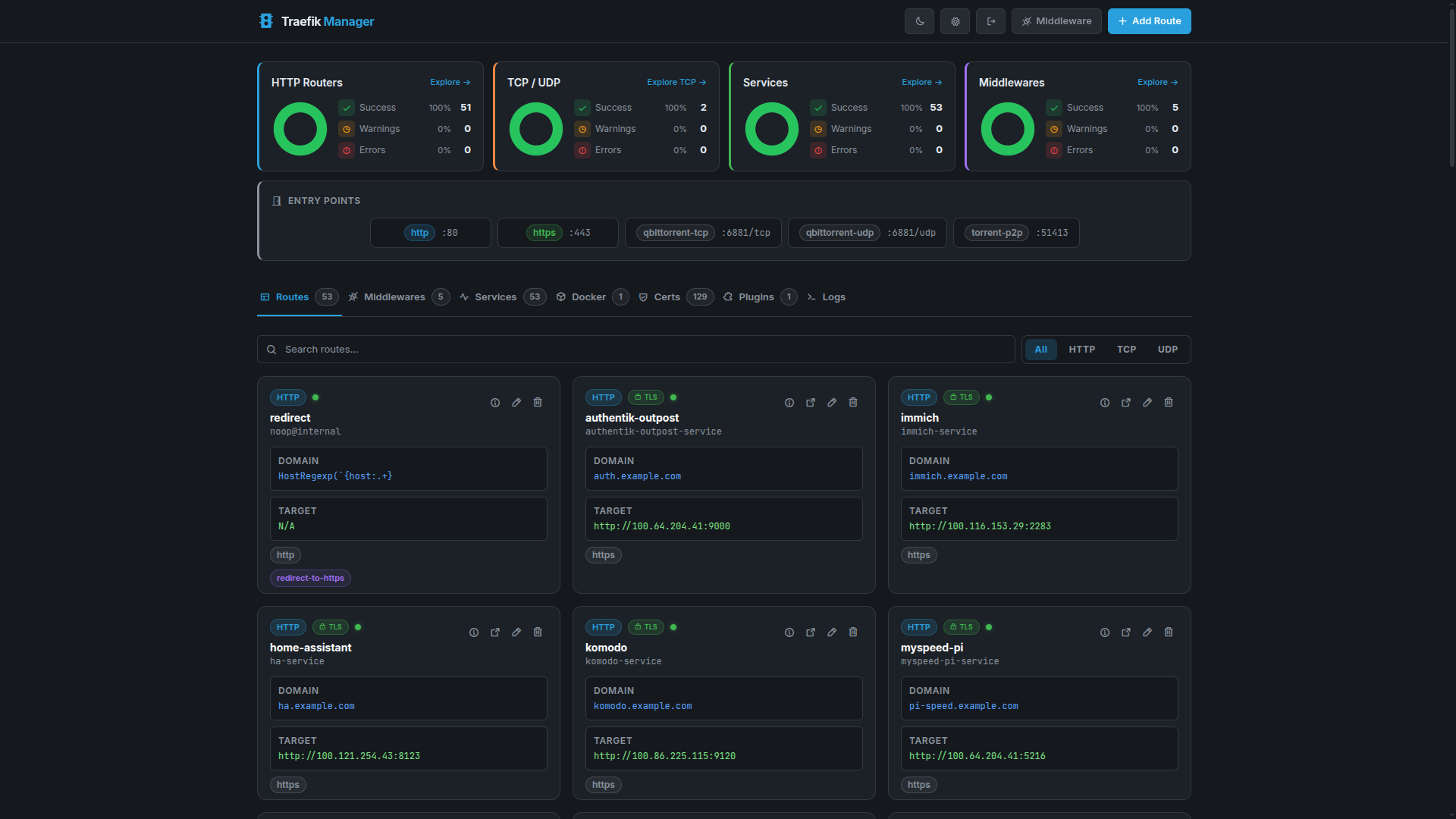
The dashboard shows a live overview of your Traefik instance with stat cards, entrypoints bar, and quick-navigate links.
Expanded Stats
Compact Stats
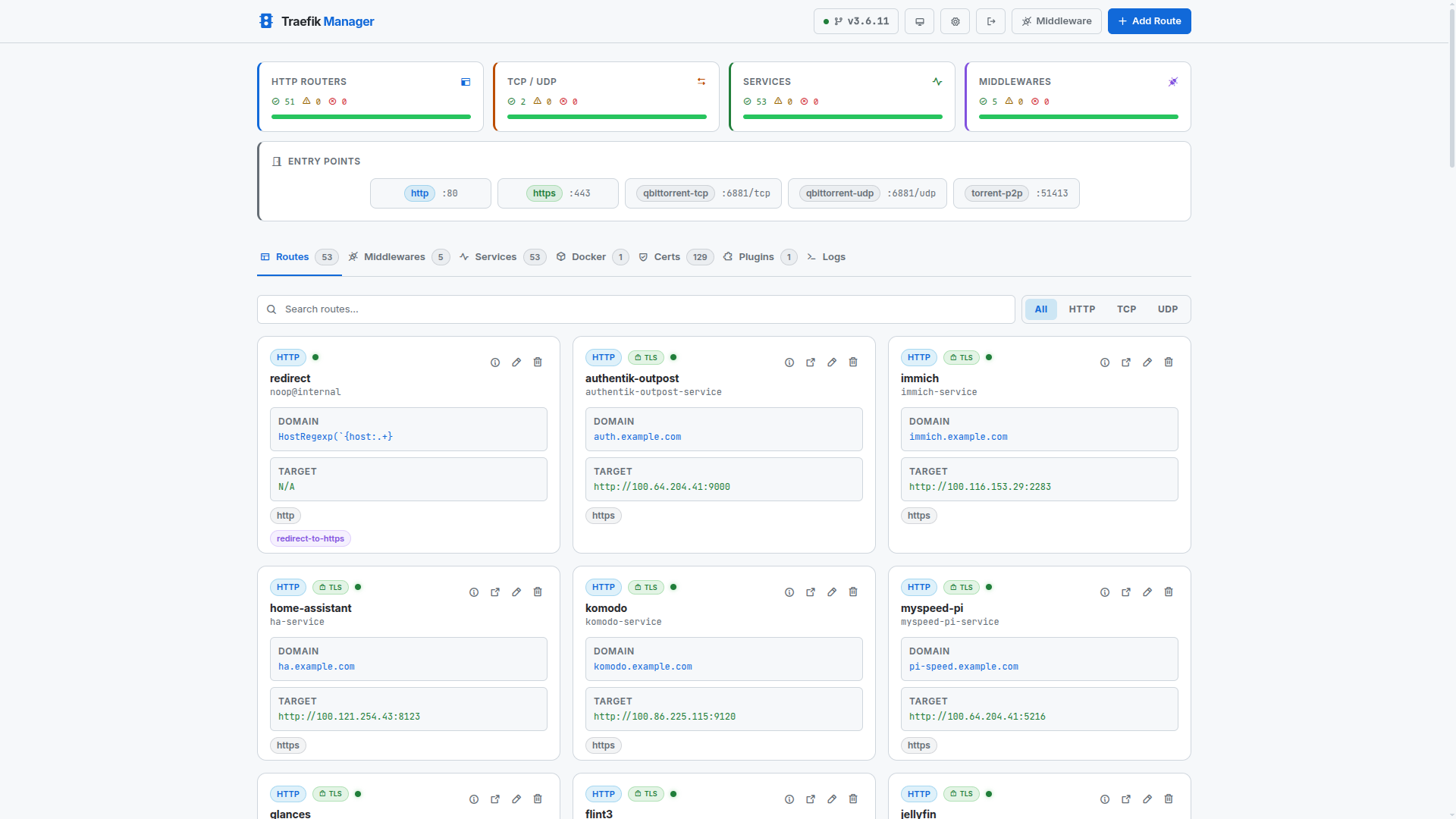
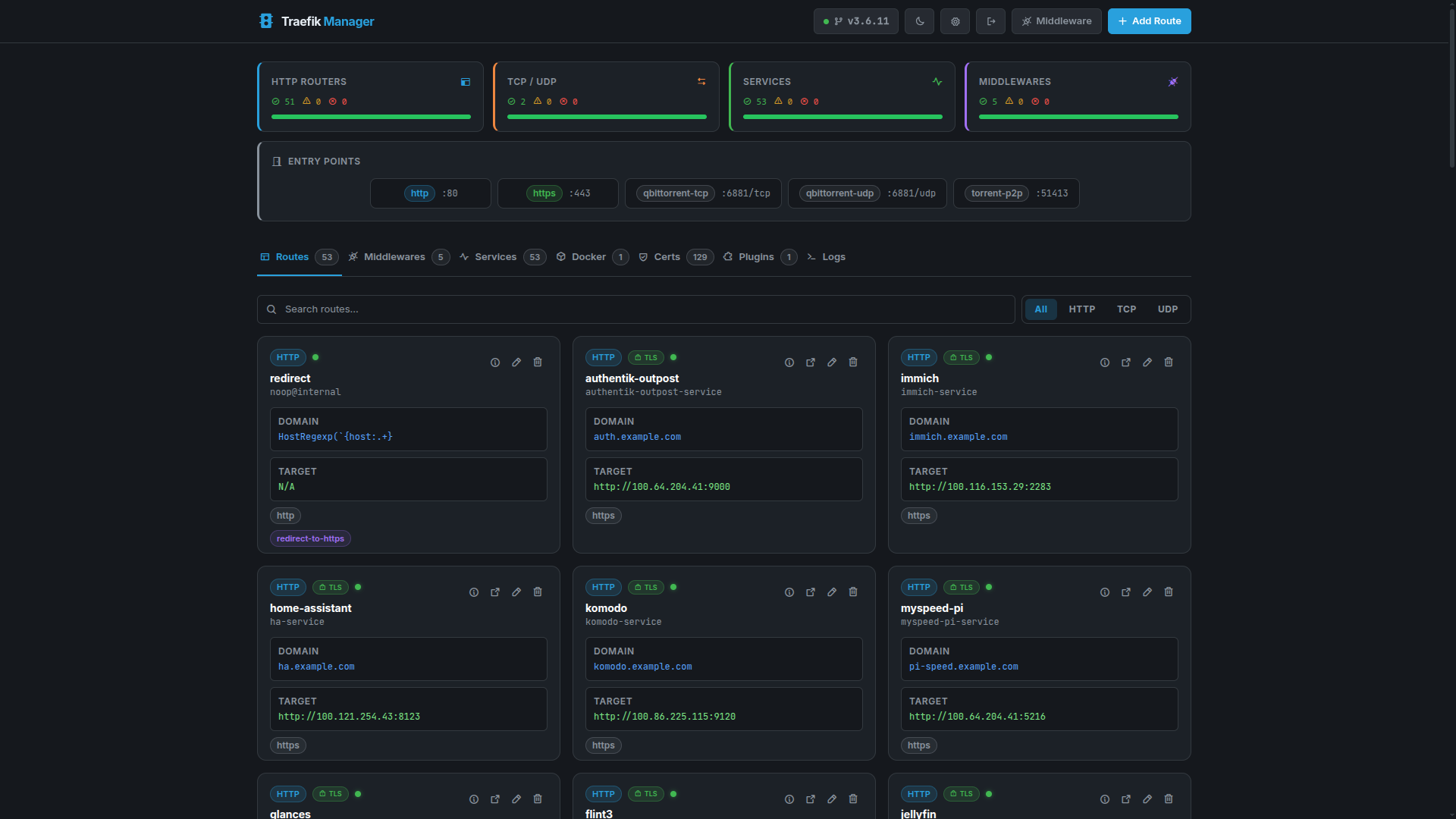
Hidden Stats
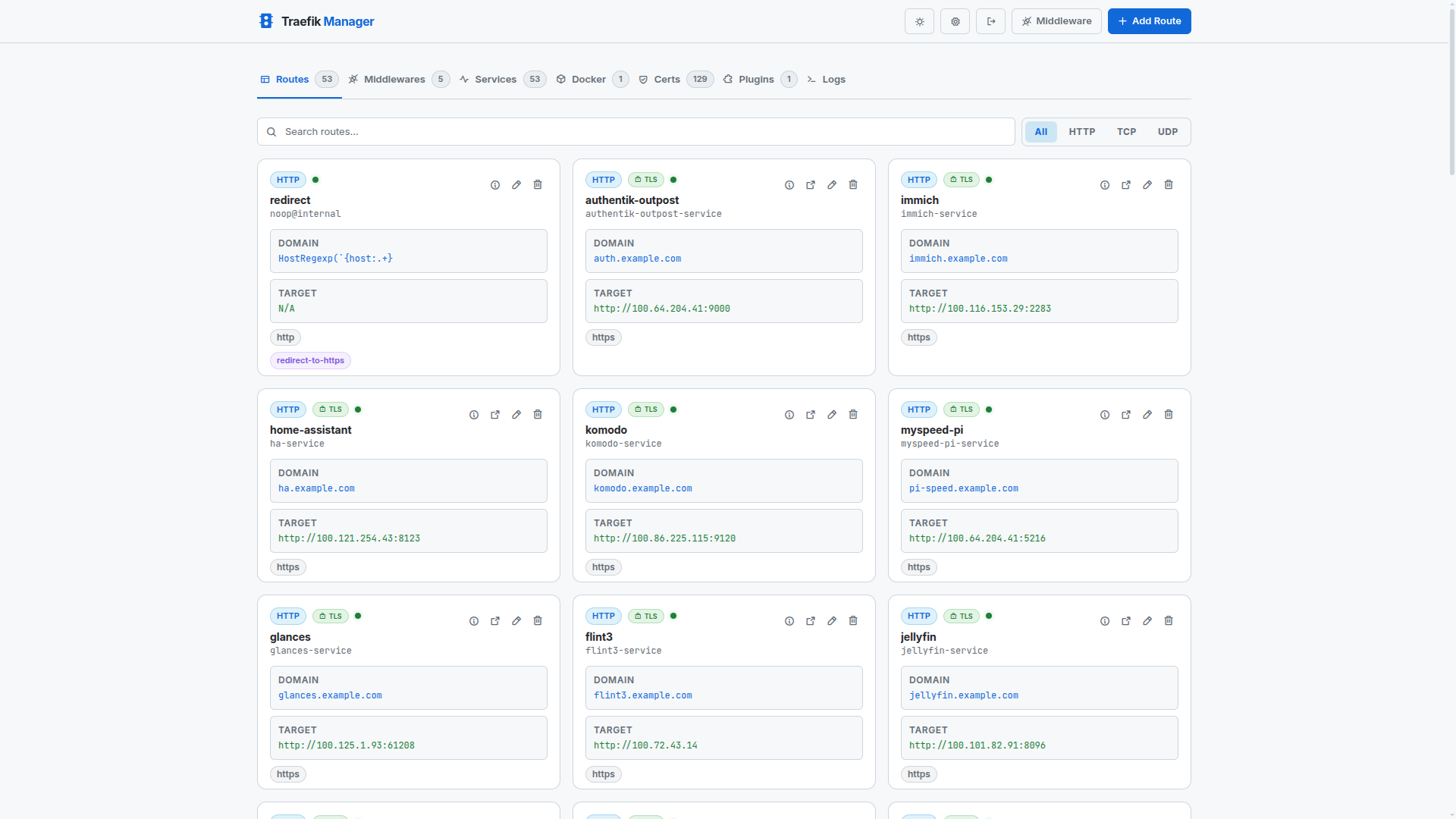
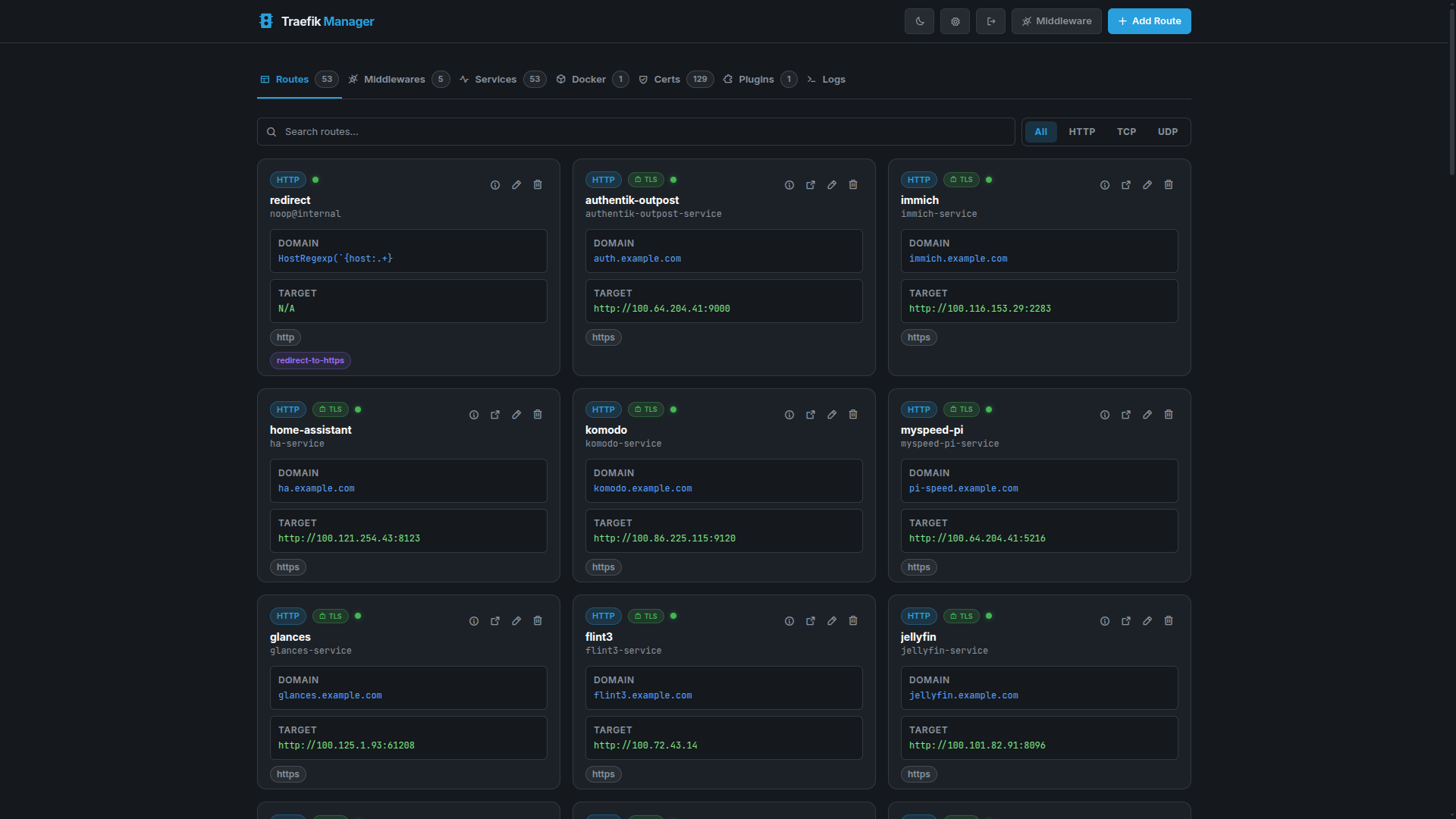
Routes
Routes define how incoming traffic is forwarded to backend services.
Routes Overview
Route Details
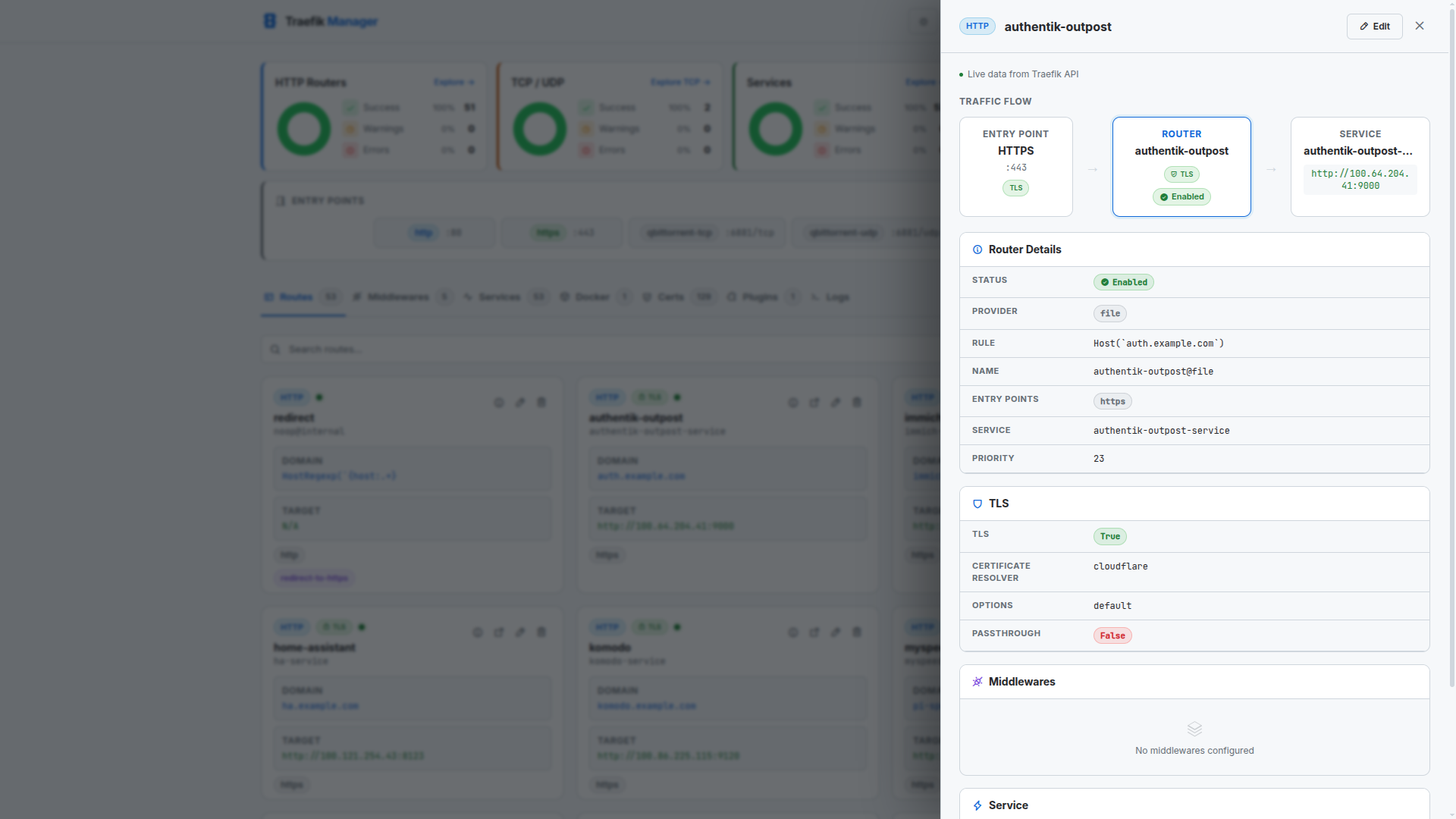
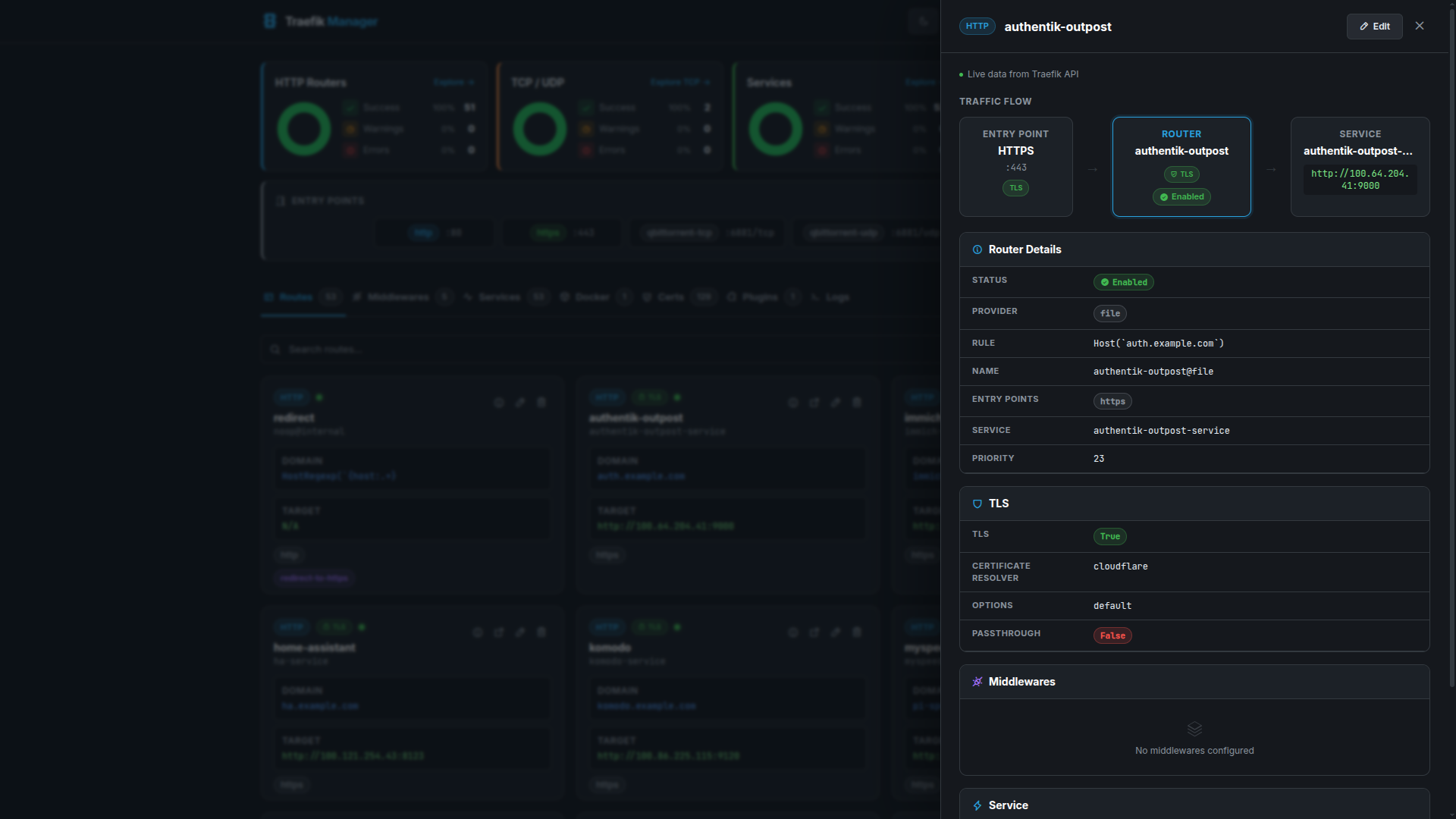
Editing a Route
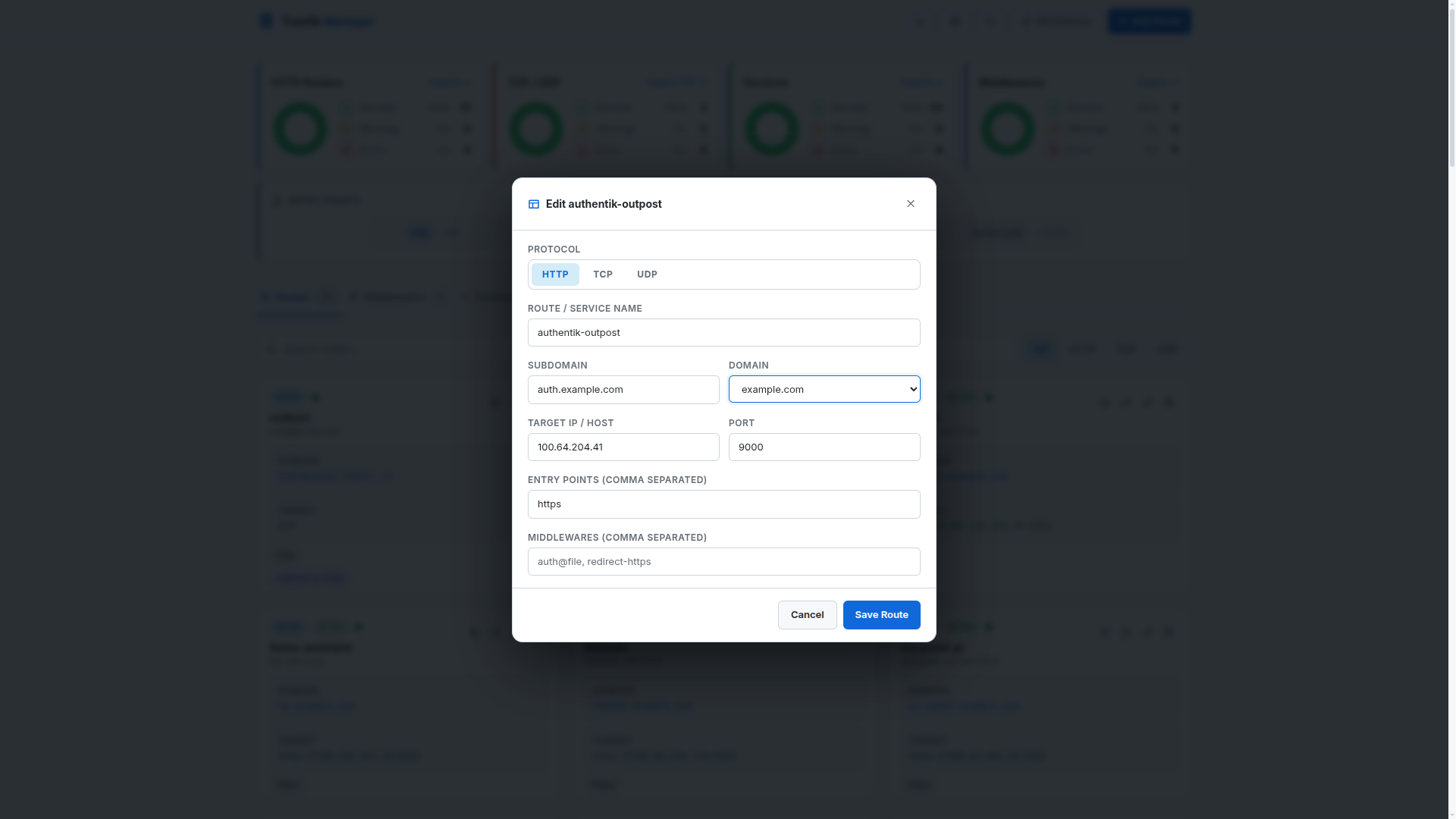
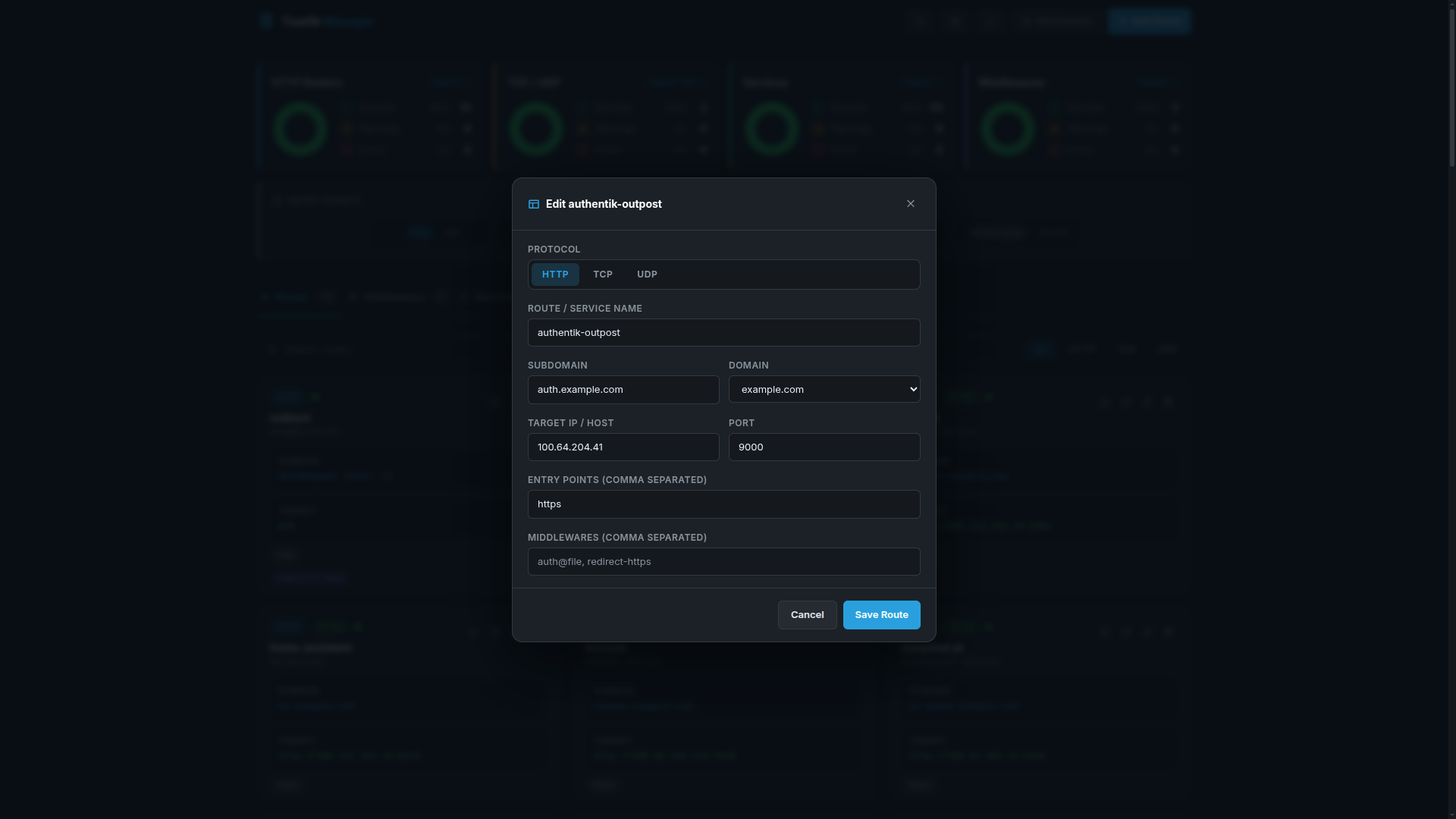
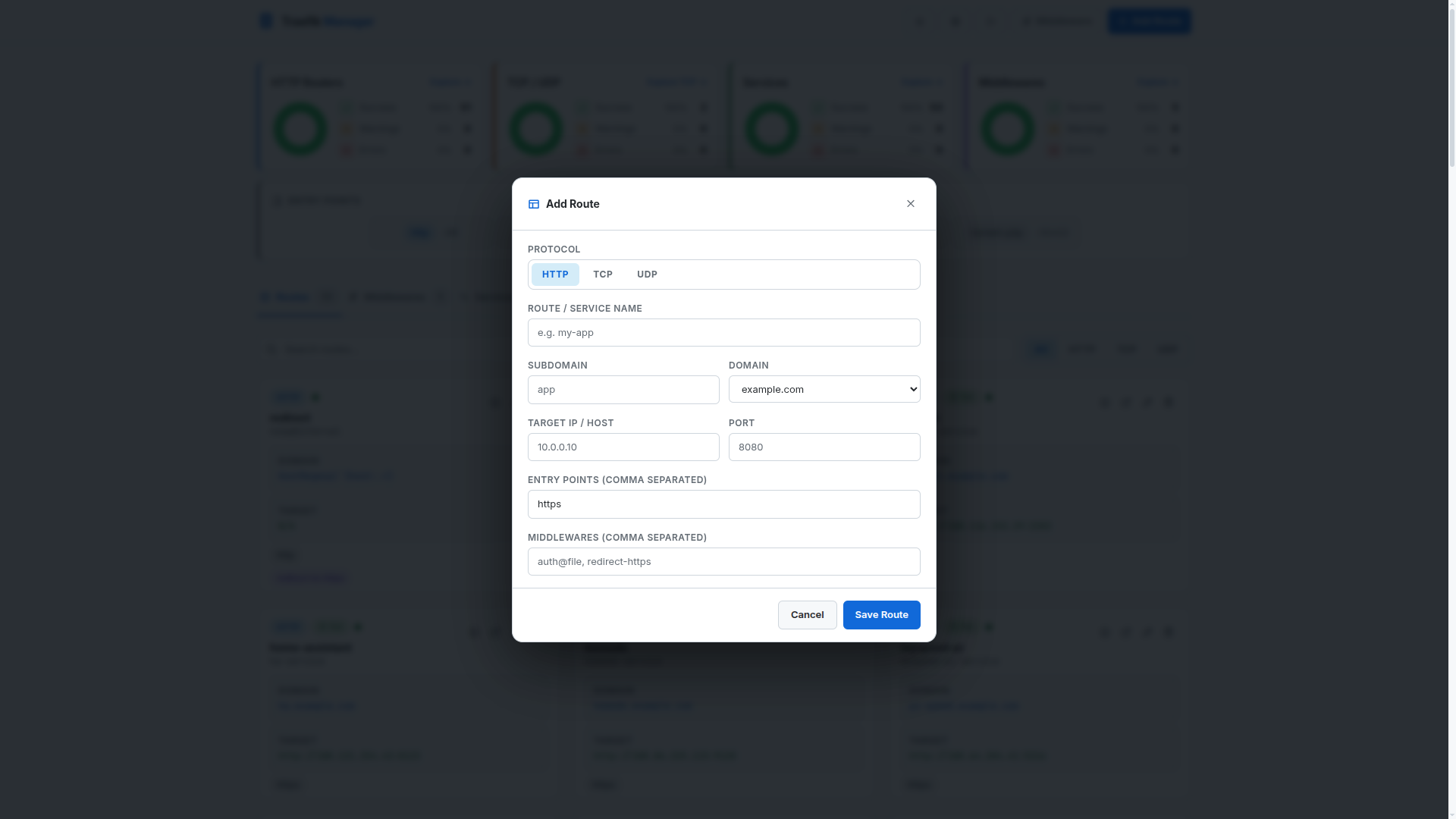
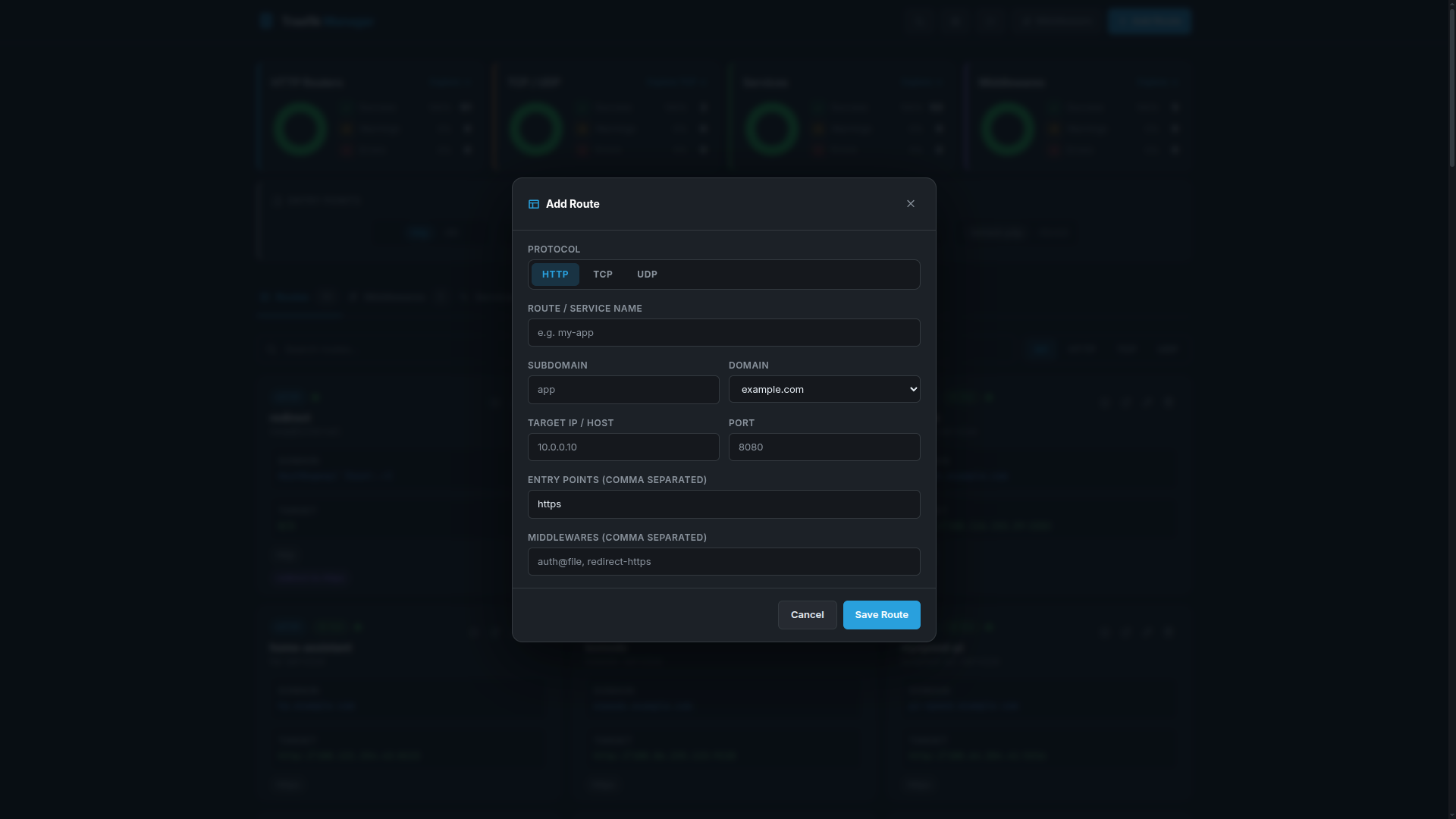
Adding an HTTP Route
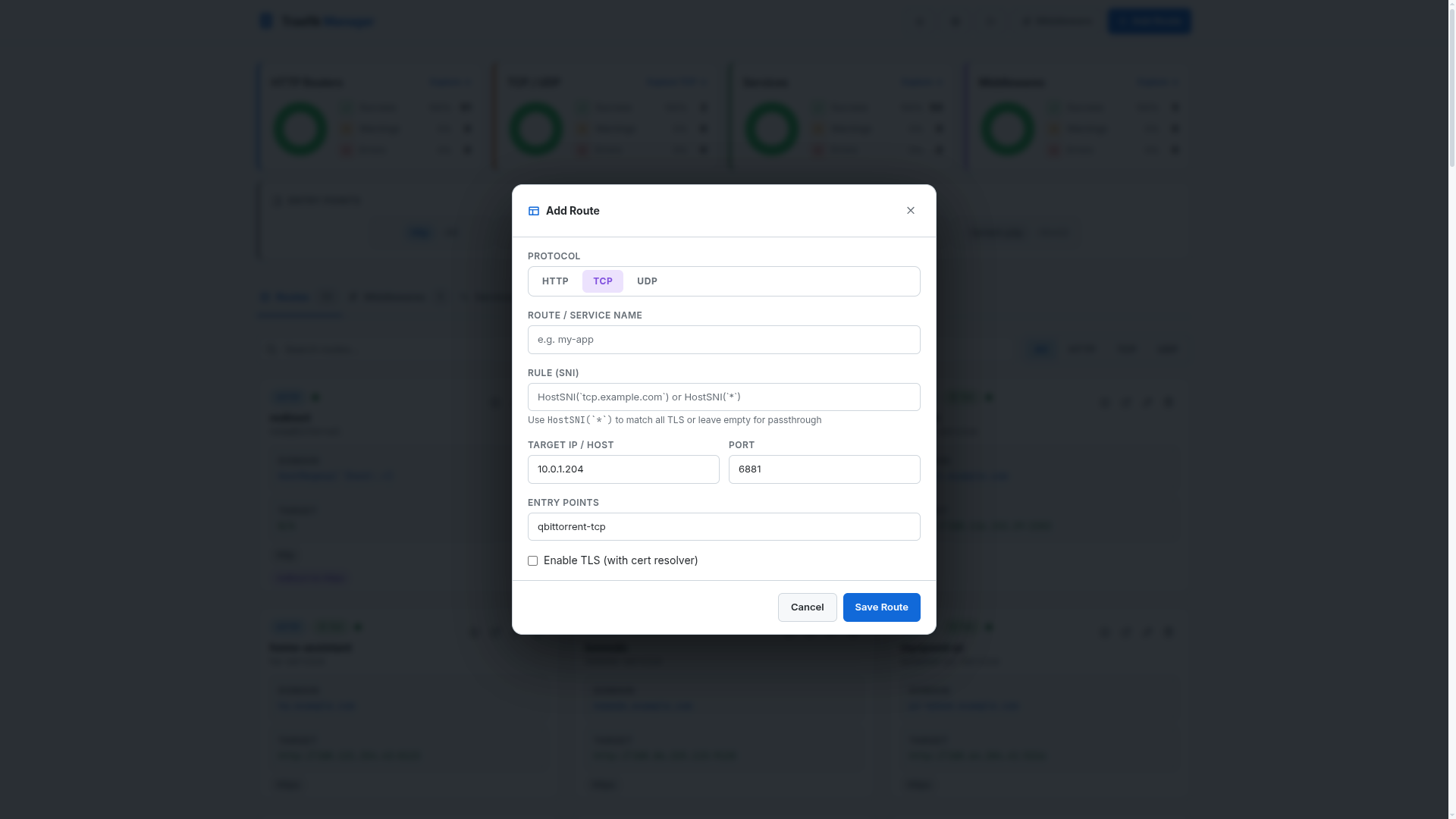
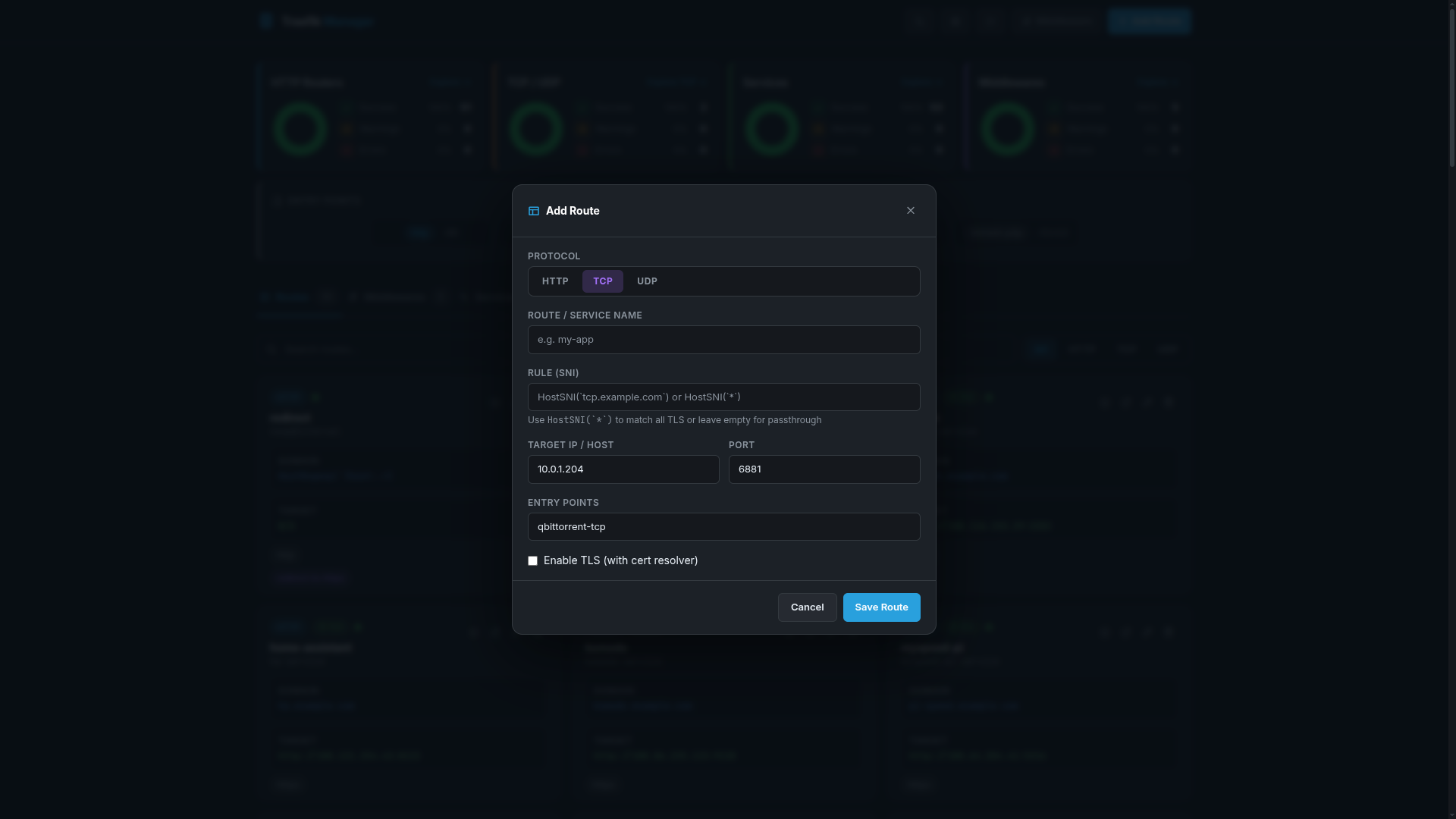
Adding a TCP Route
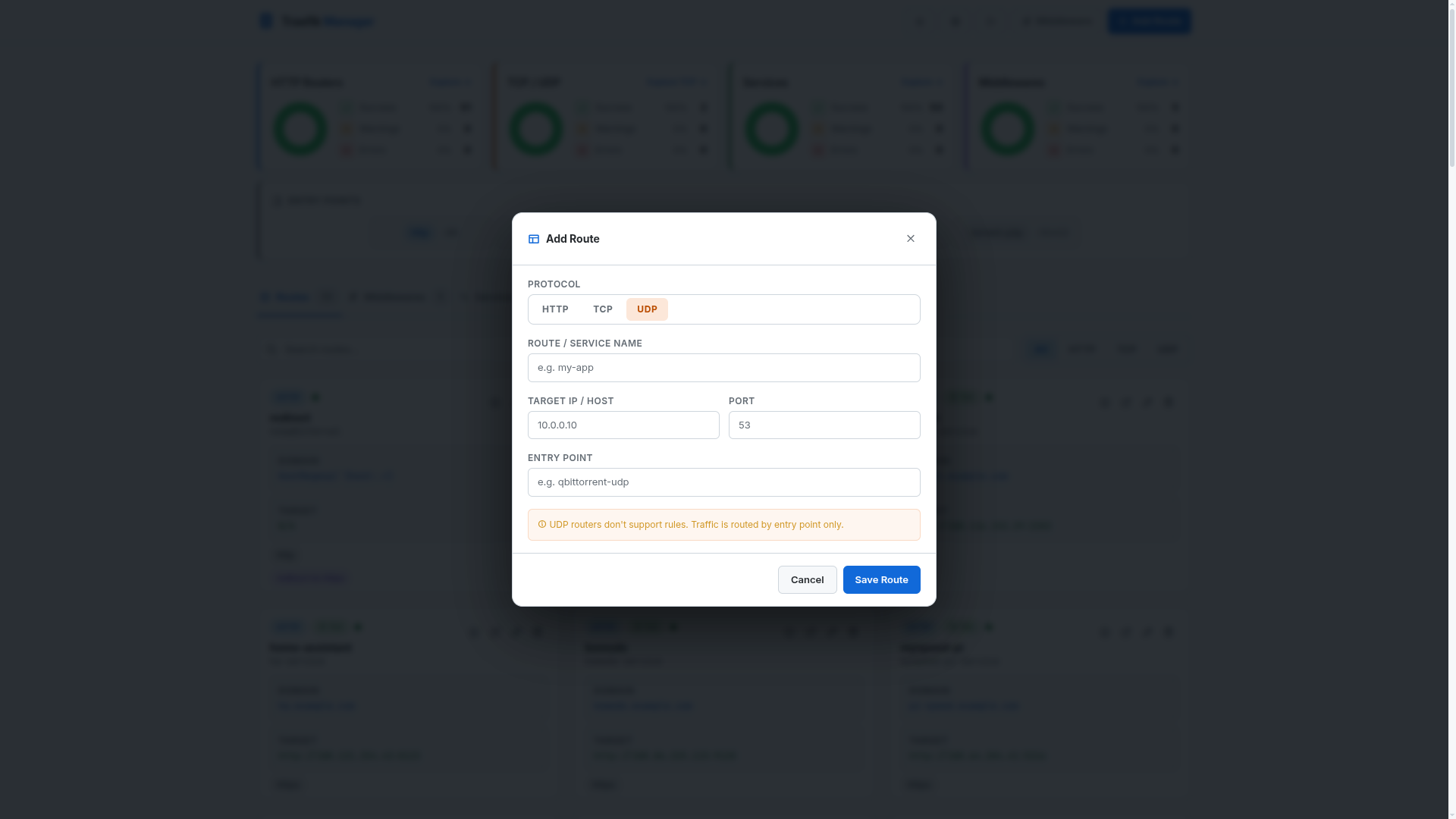
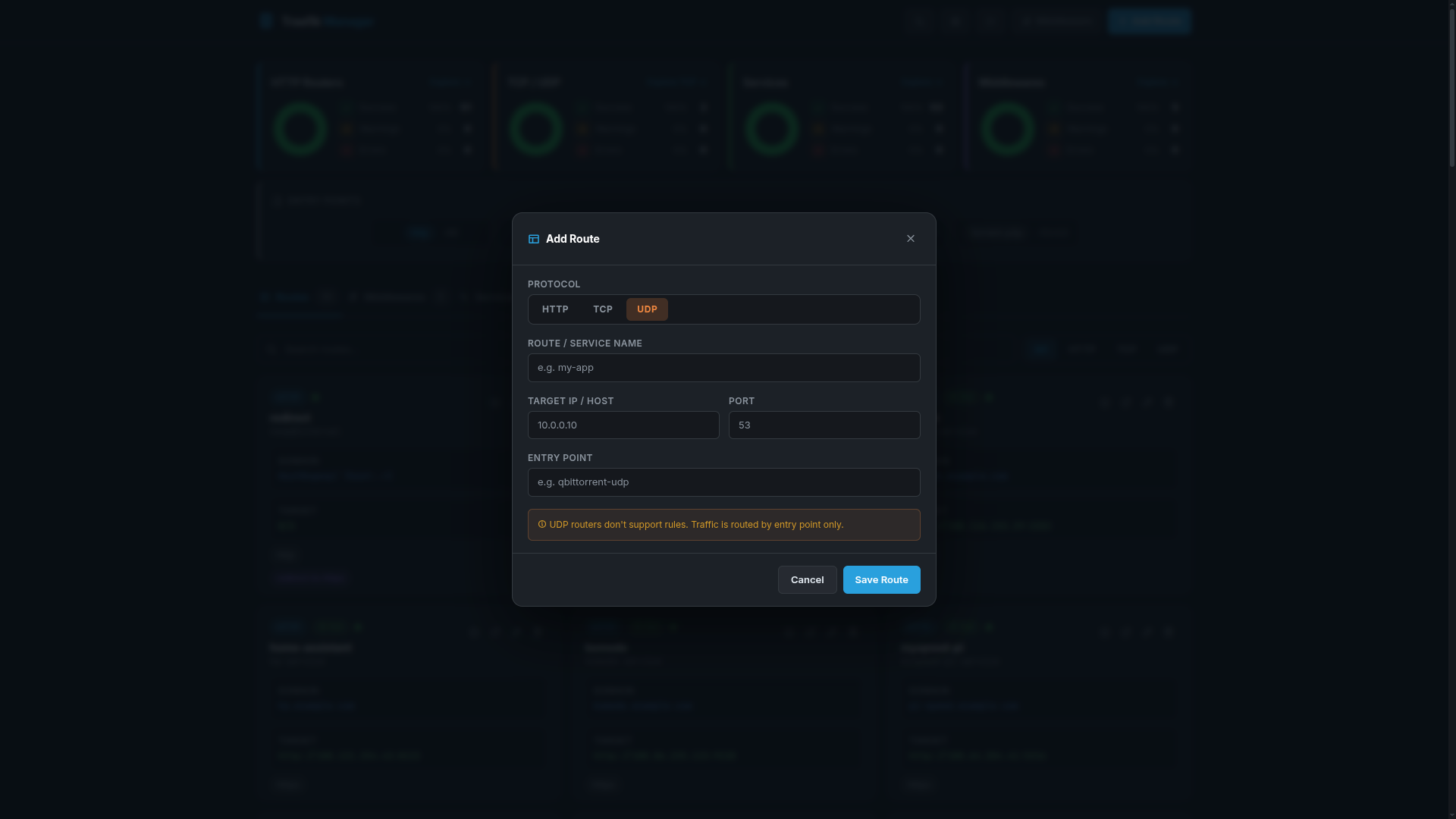
Adding a UDP Route
Services
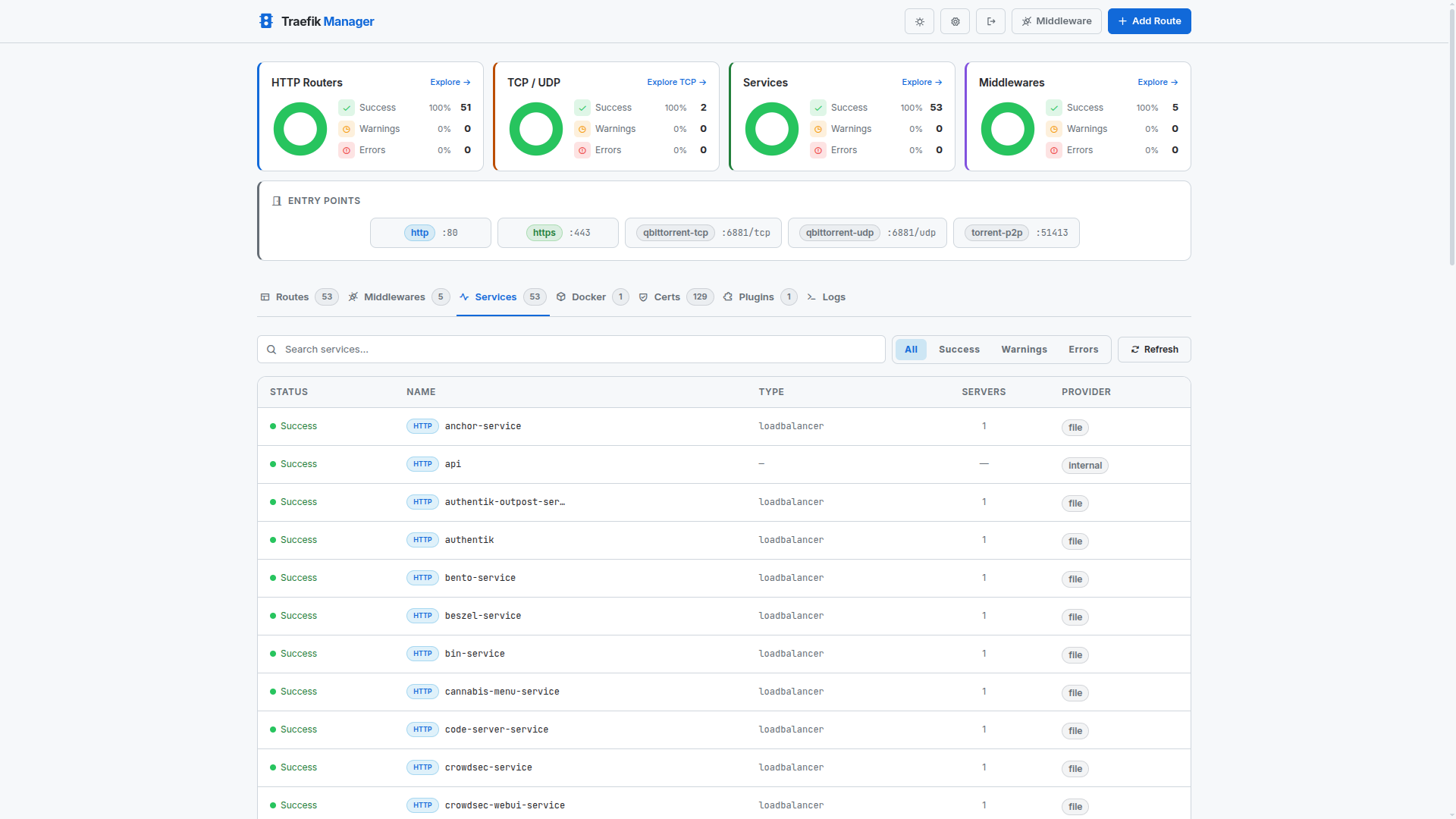
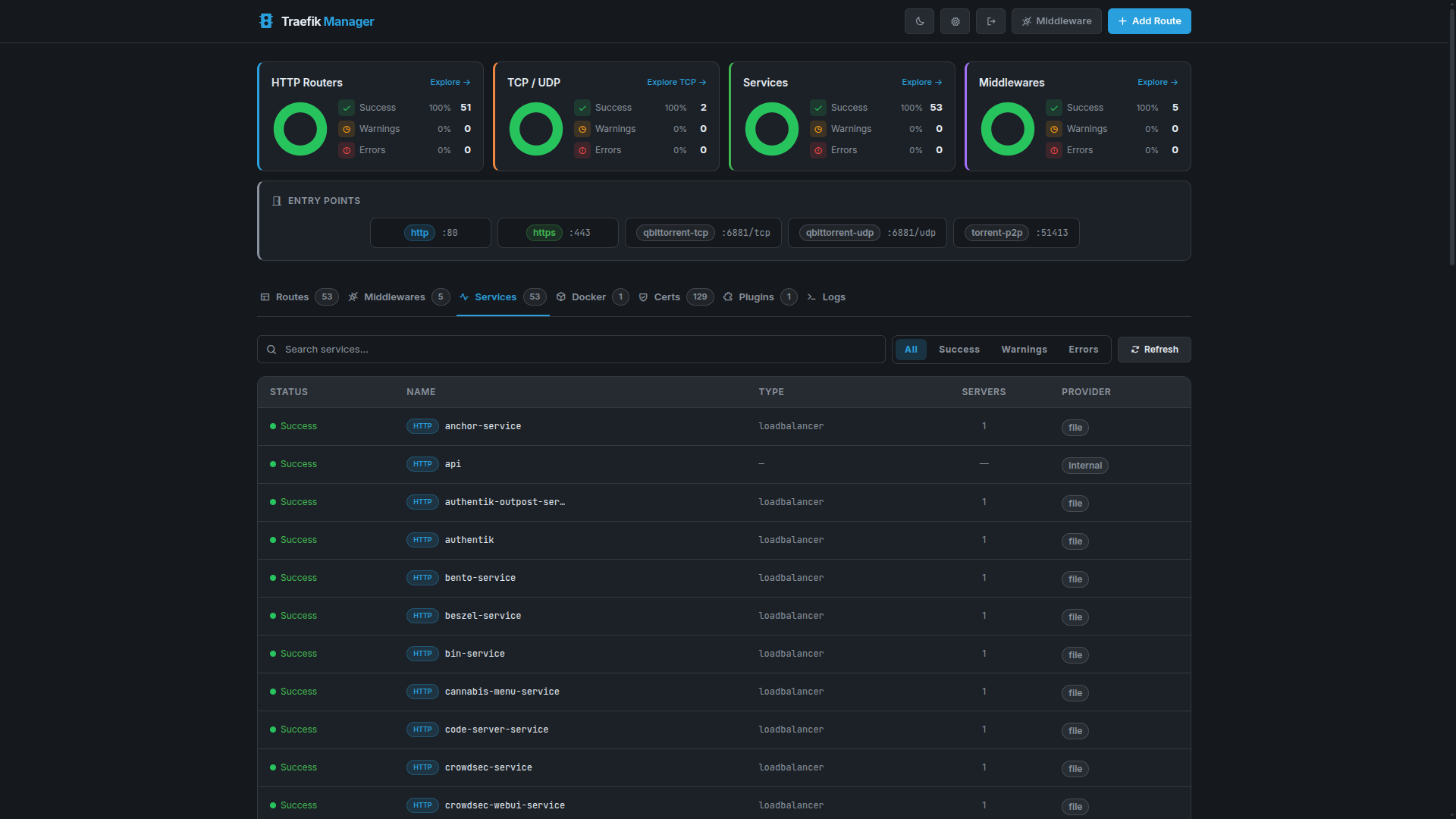
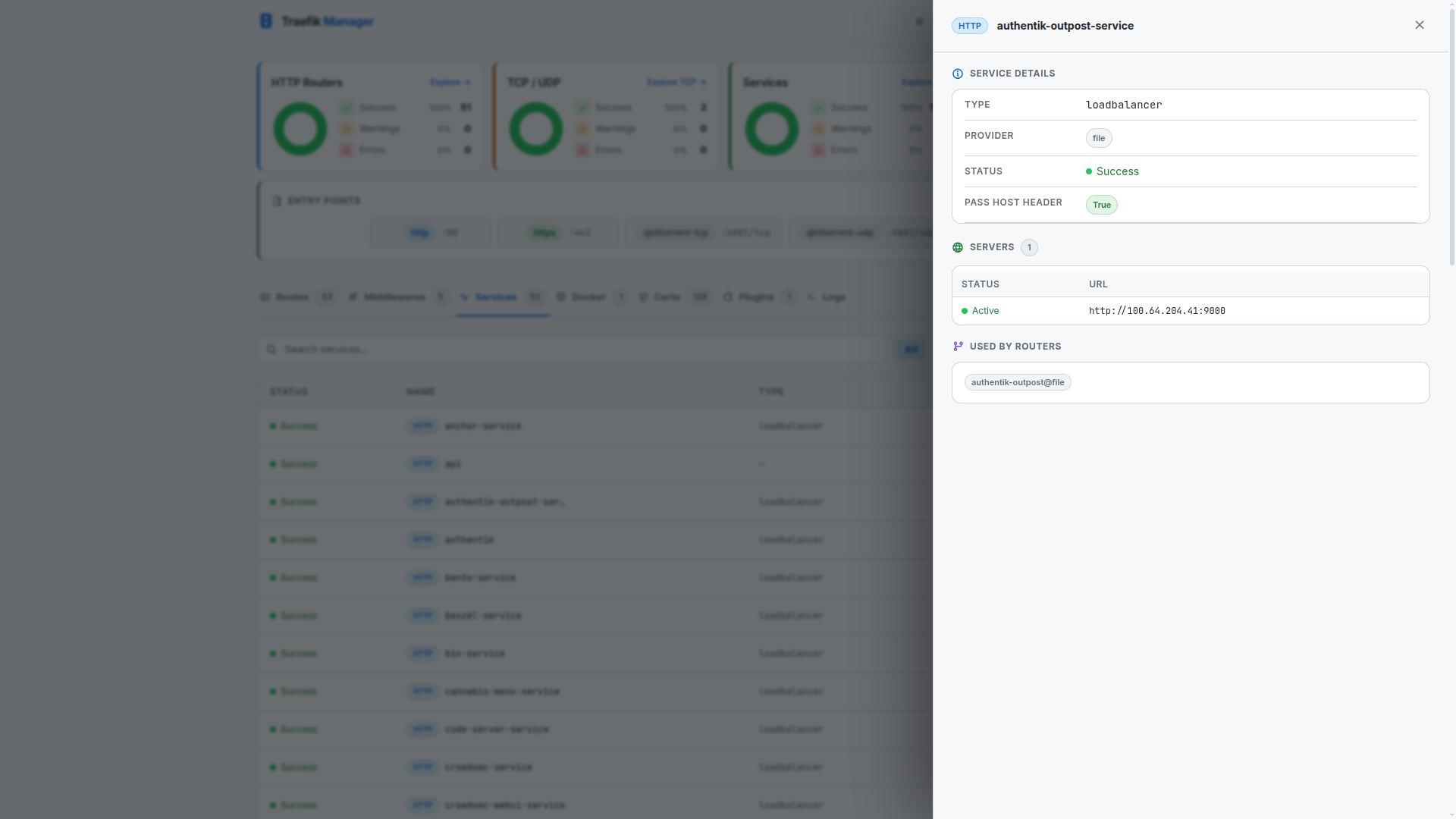
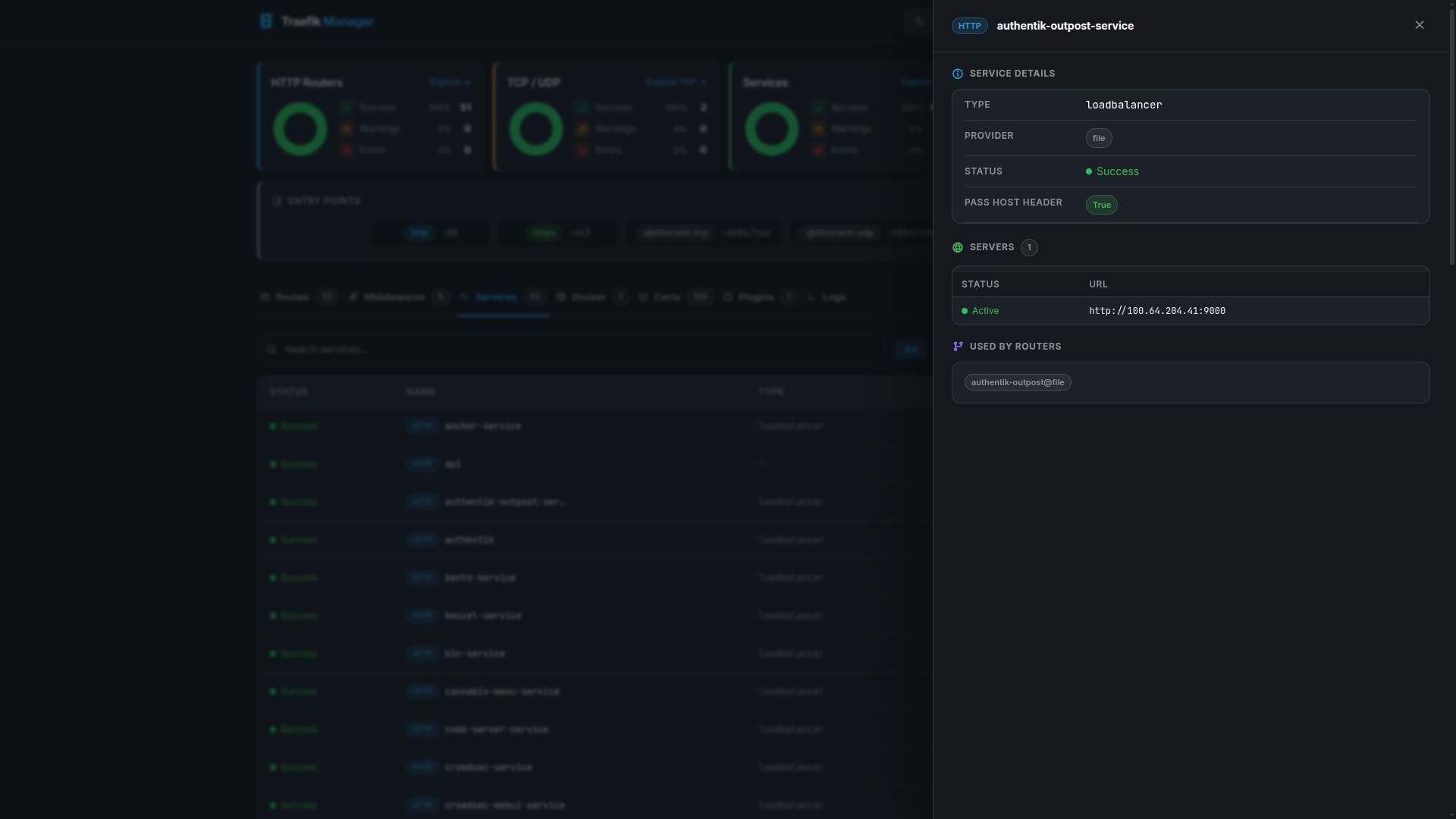
Services represent the backend targets that Traefik forwards traffic to.
Services Overview
Service Details
Middlewares
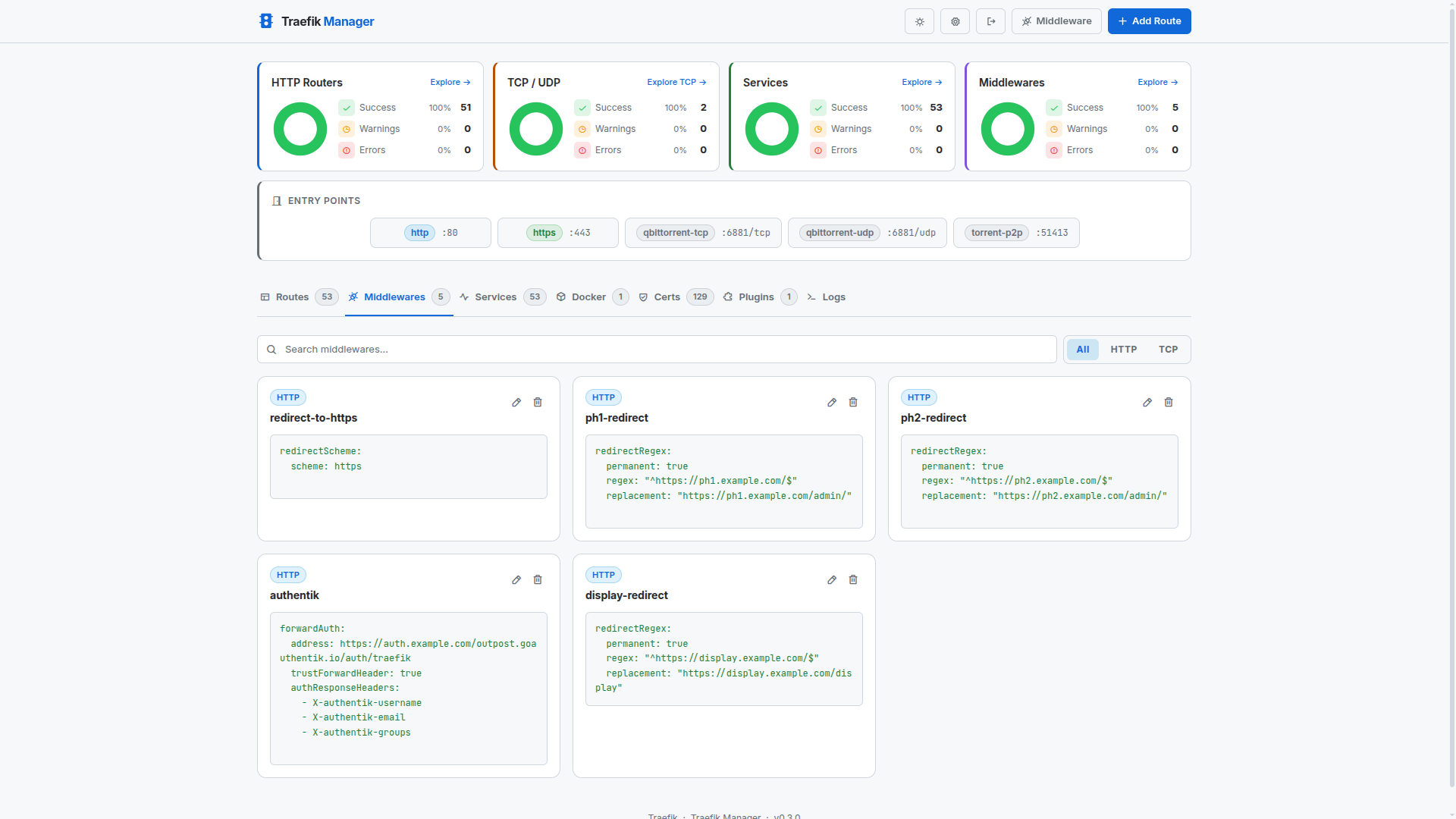
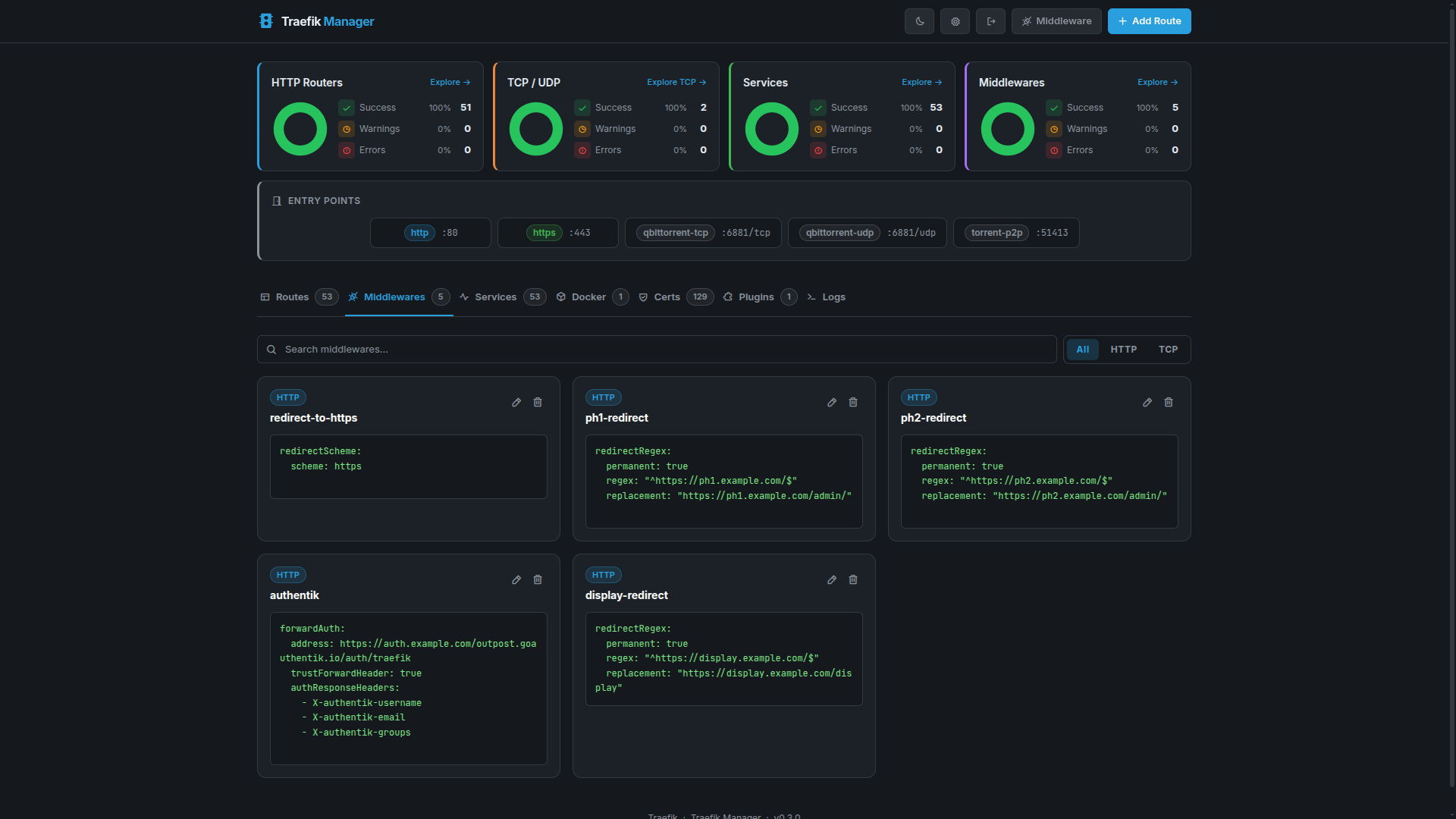
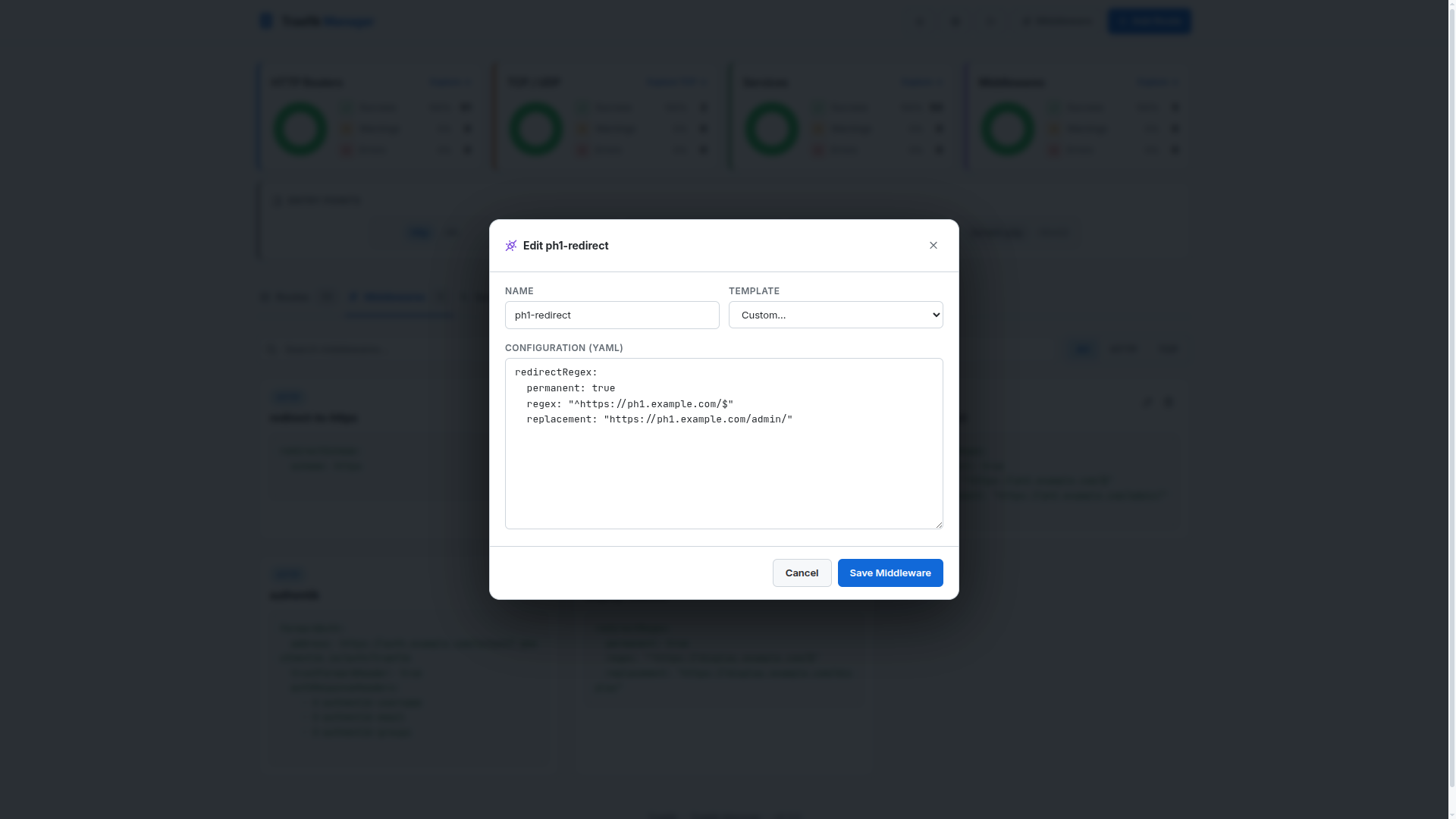
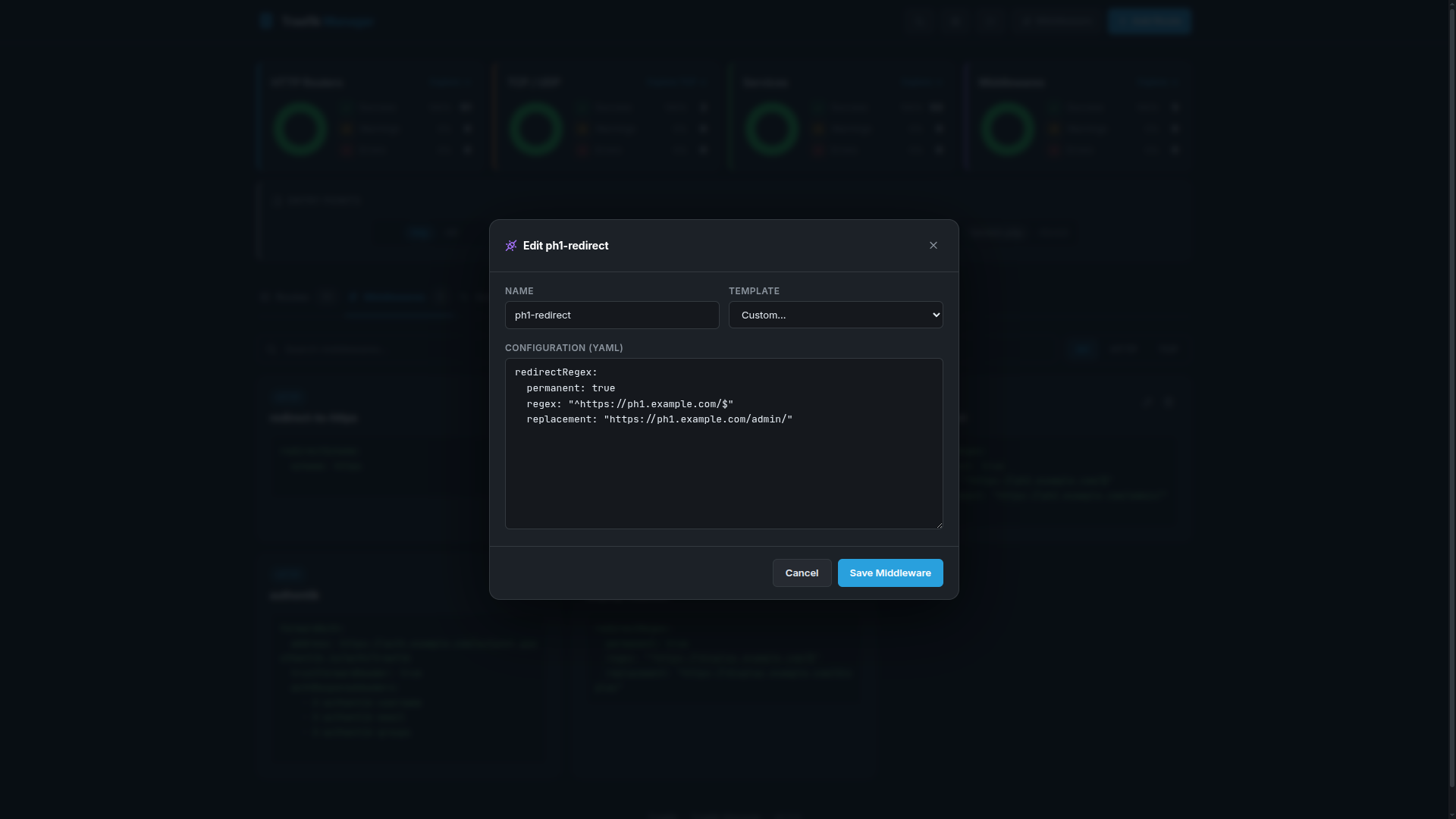
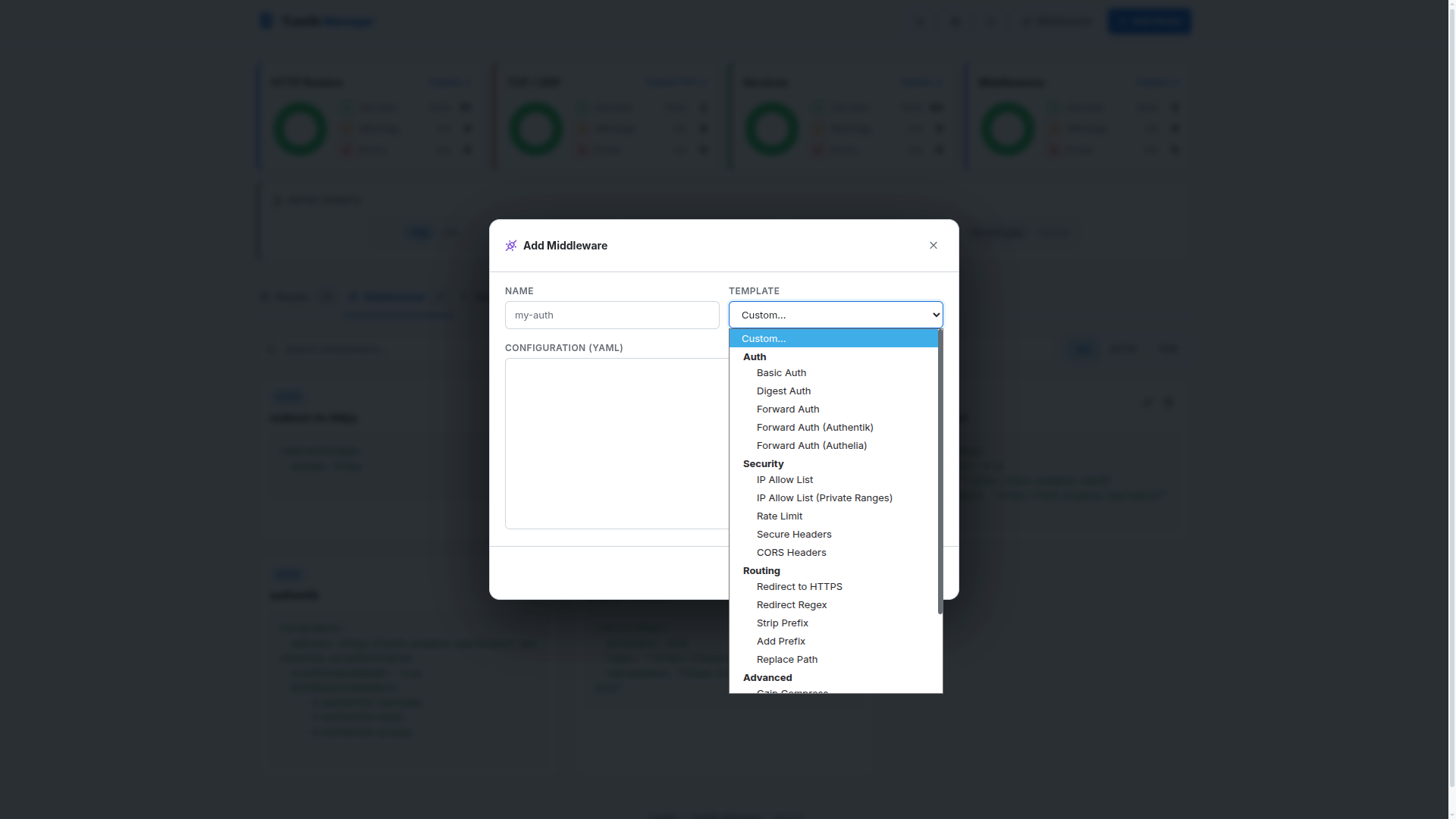
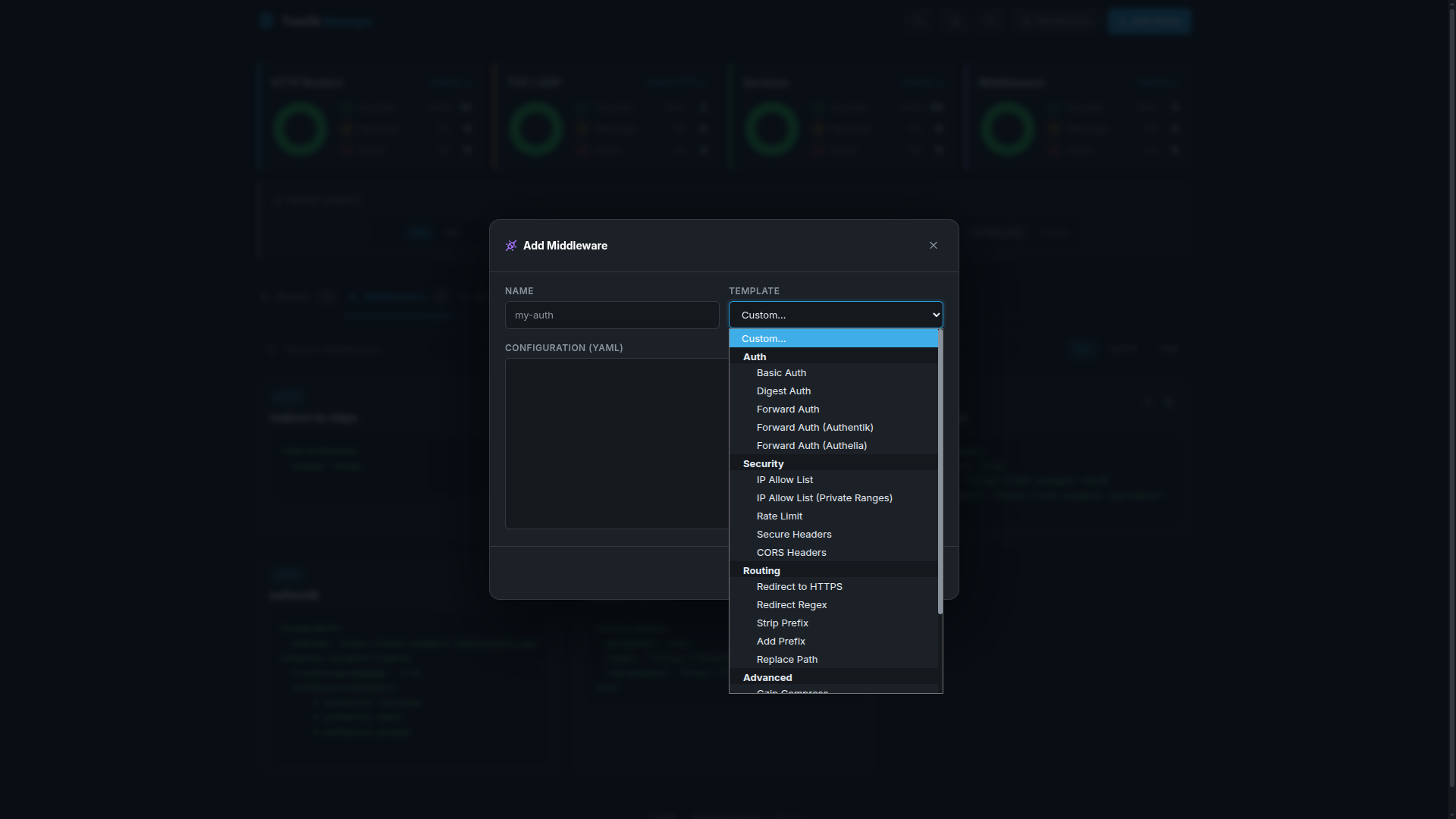
Middlewares modify requests before they reach your services — authentication, rate limiting, headers, redirects, and more.
Middleware List
Editing Middleware
Adding Middleware
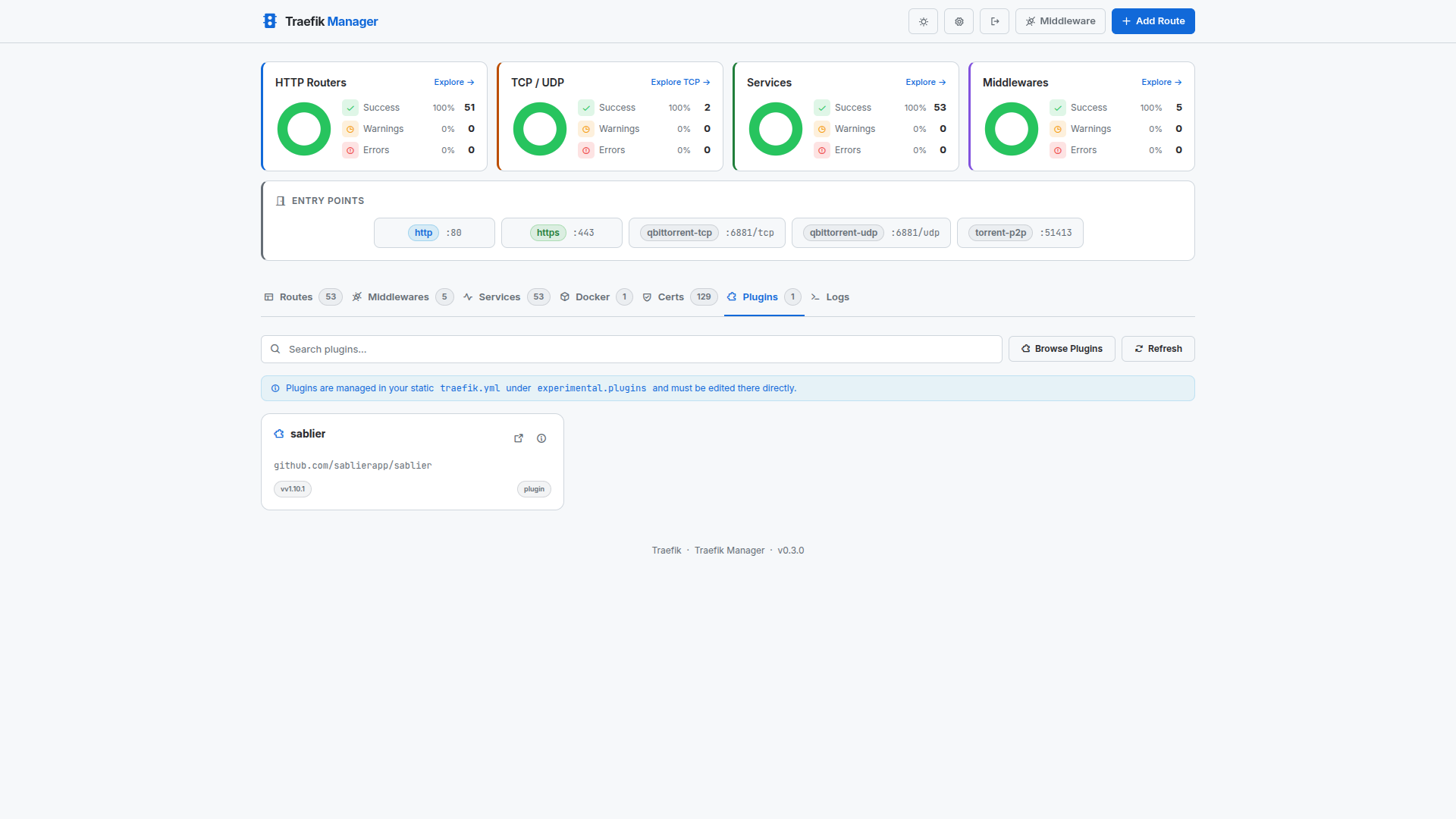
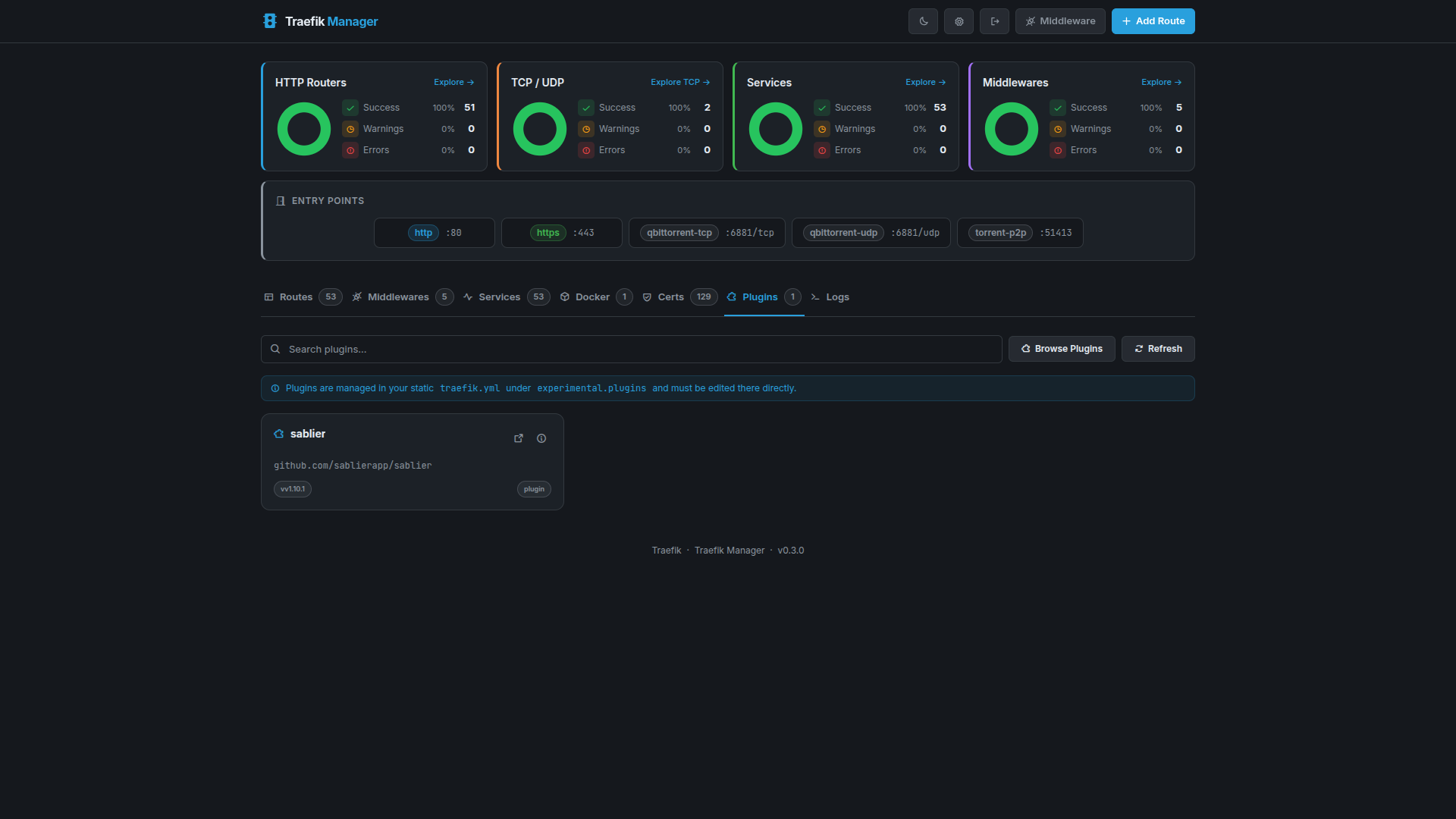
Plugins
View and monitor active Traefik plugins.
Plugin List
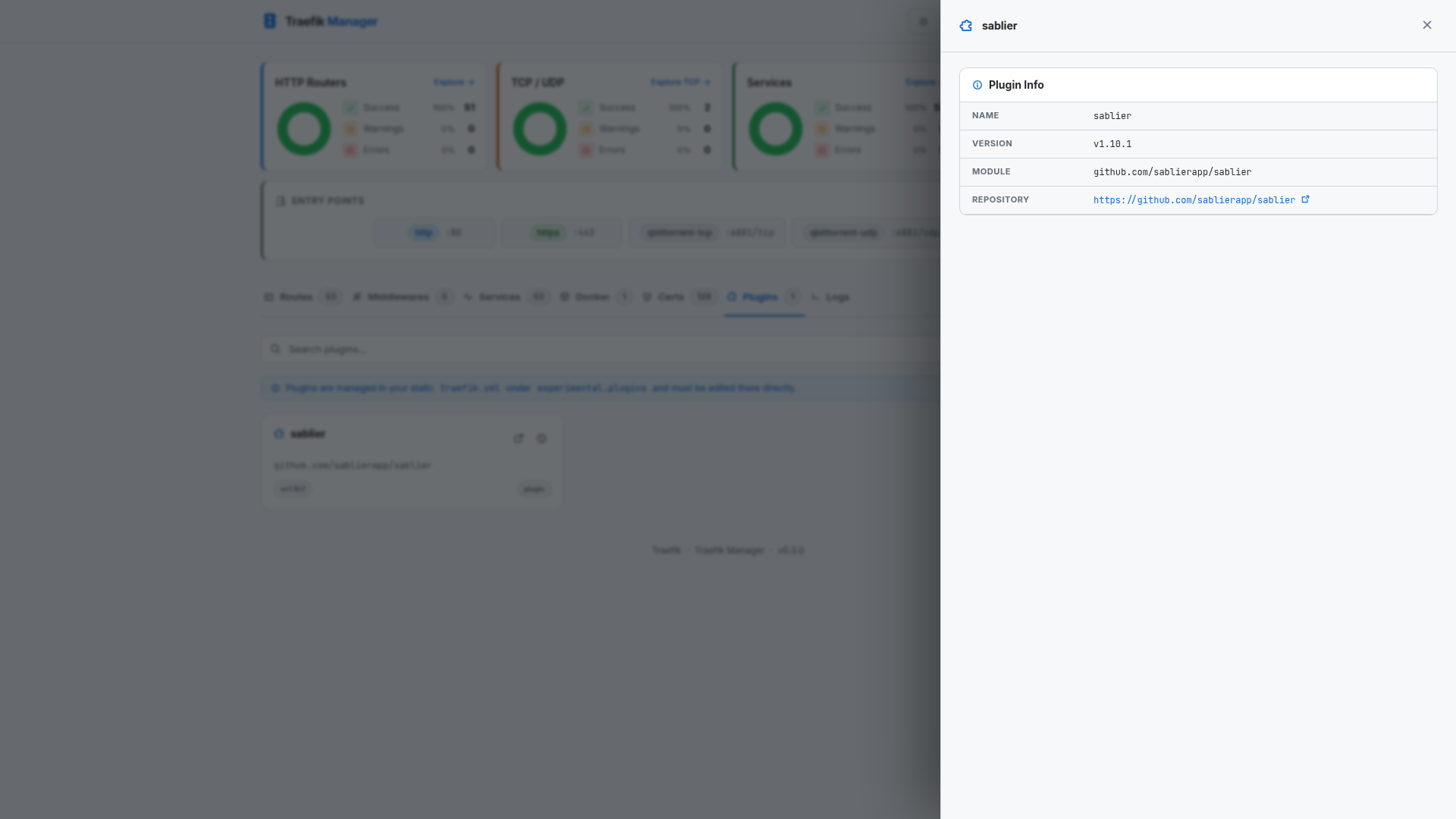
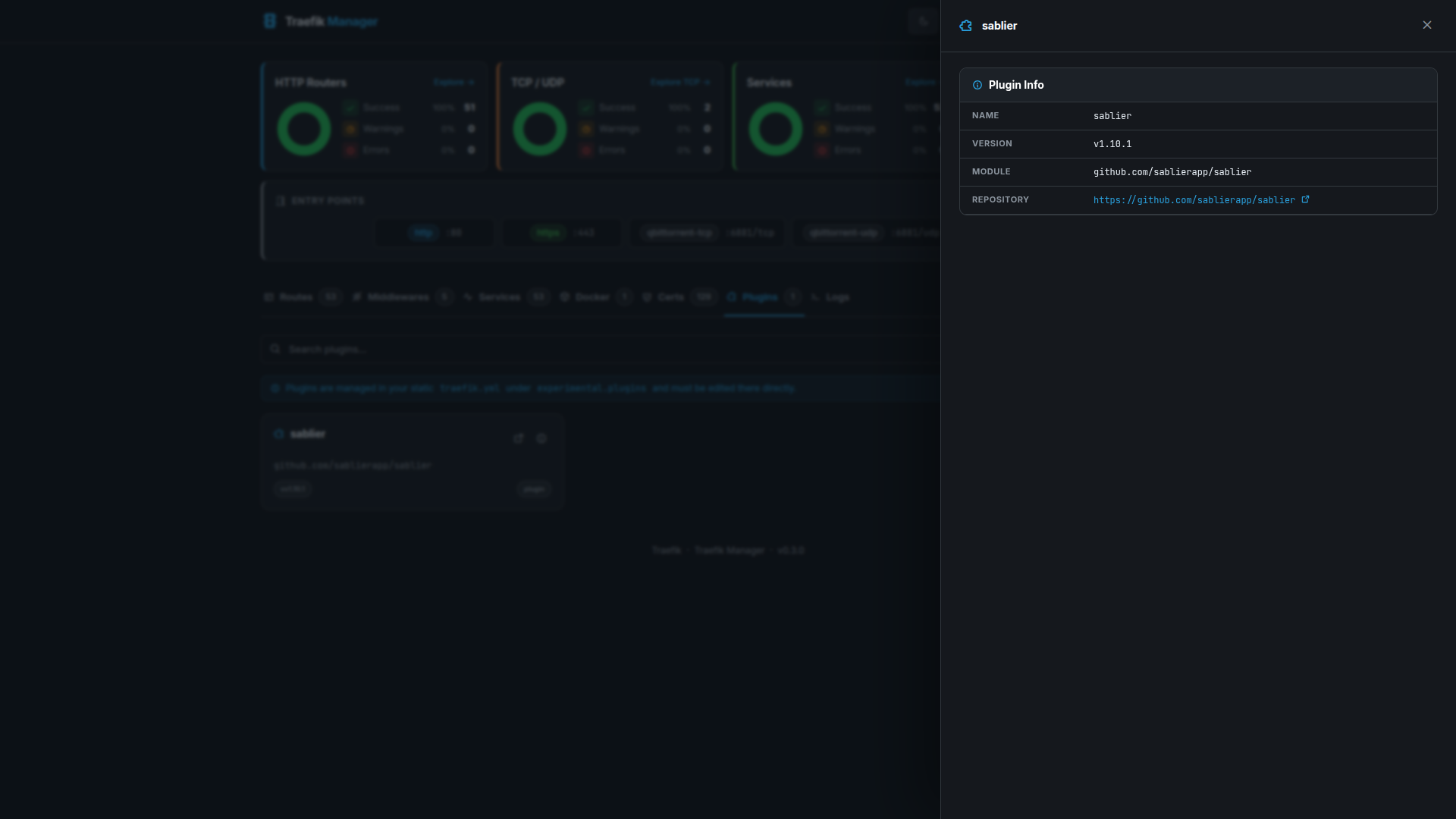
Plugin Details
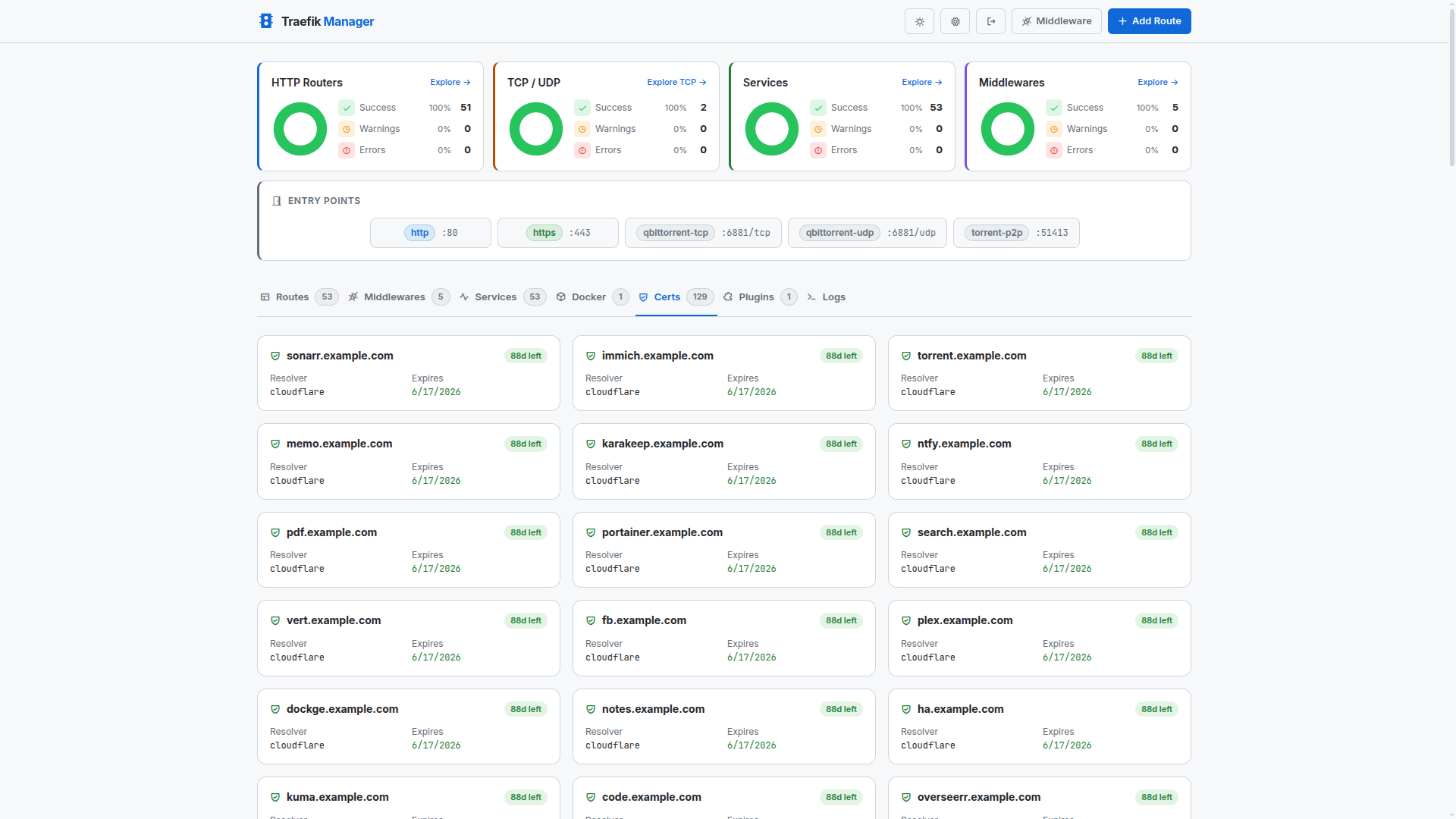
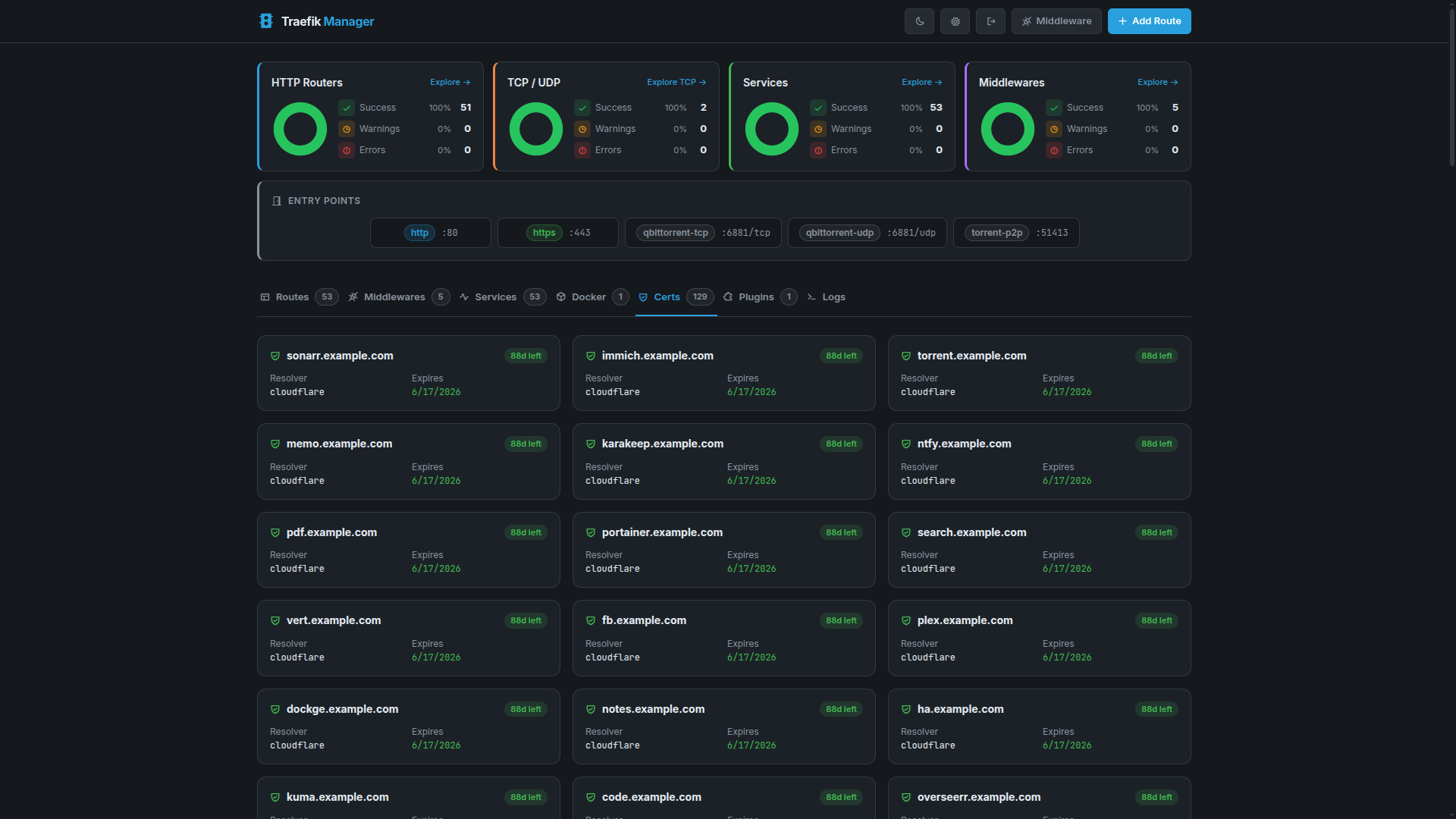
Certificates
View and monitor TLS certificates managed by Traefik.
Certificates View
Docker
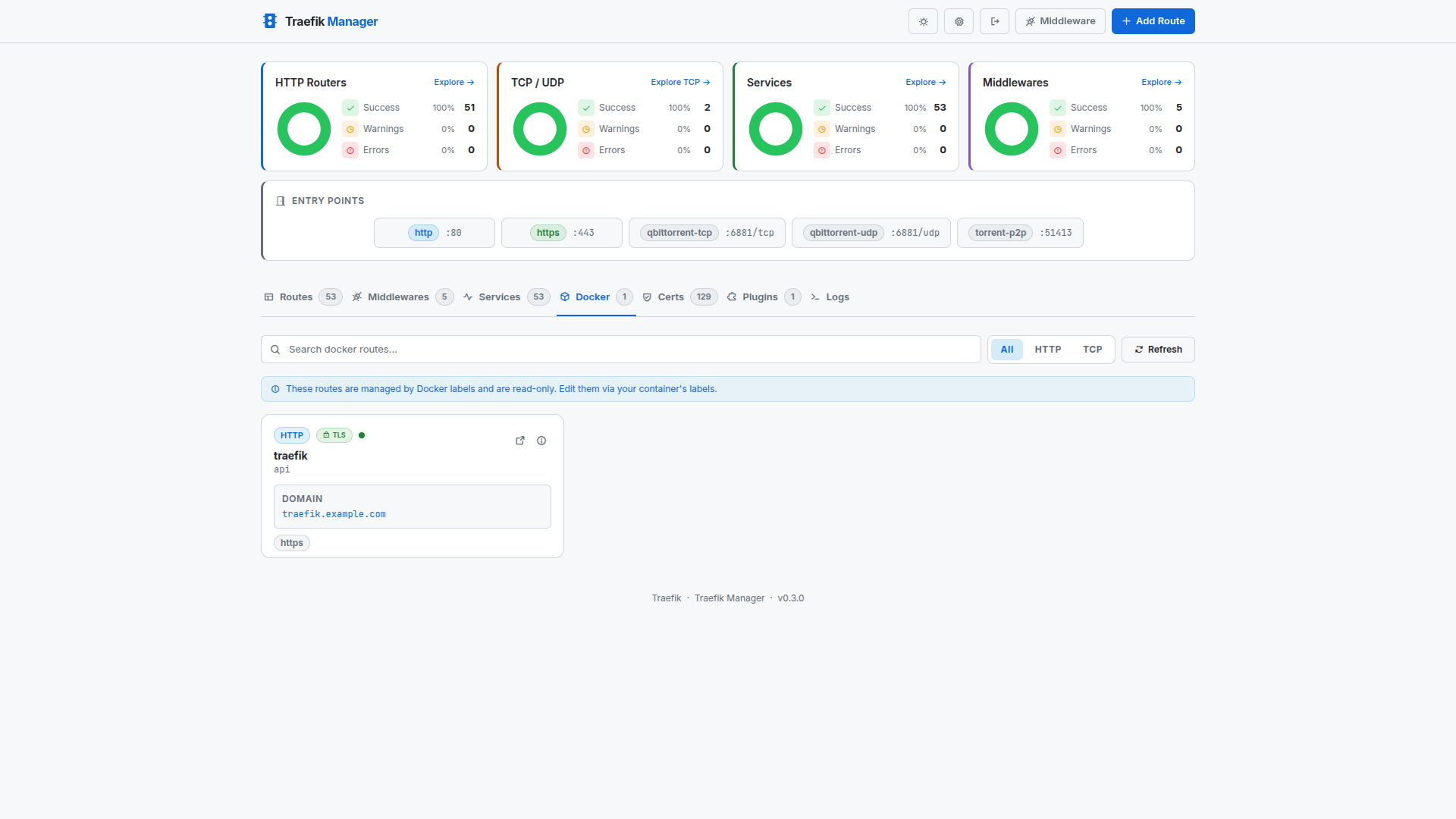
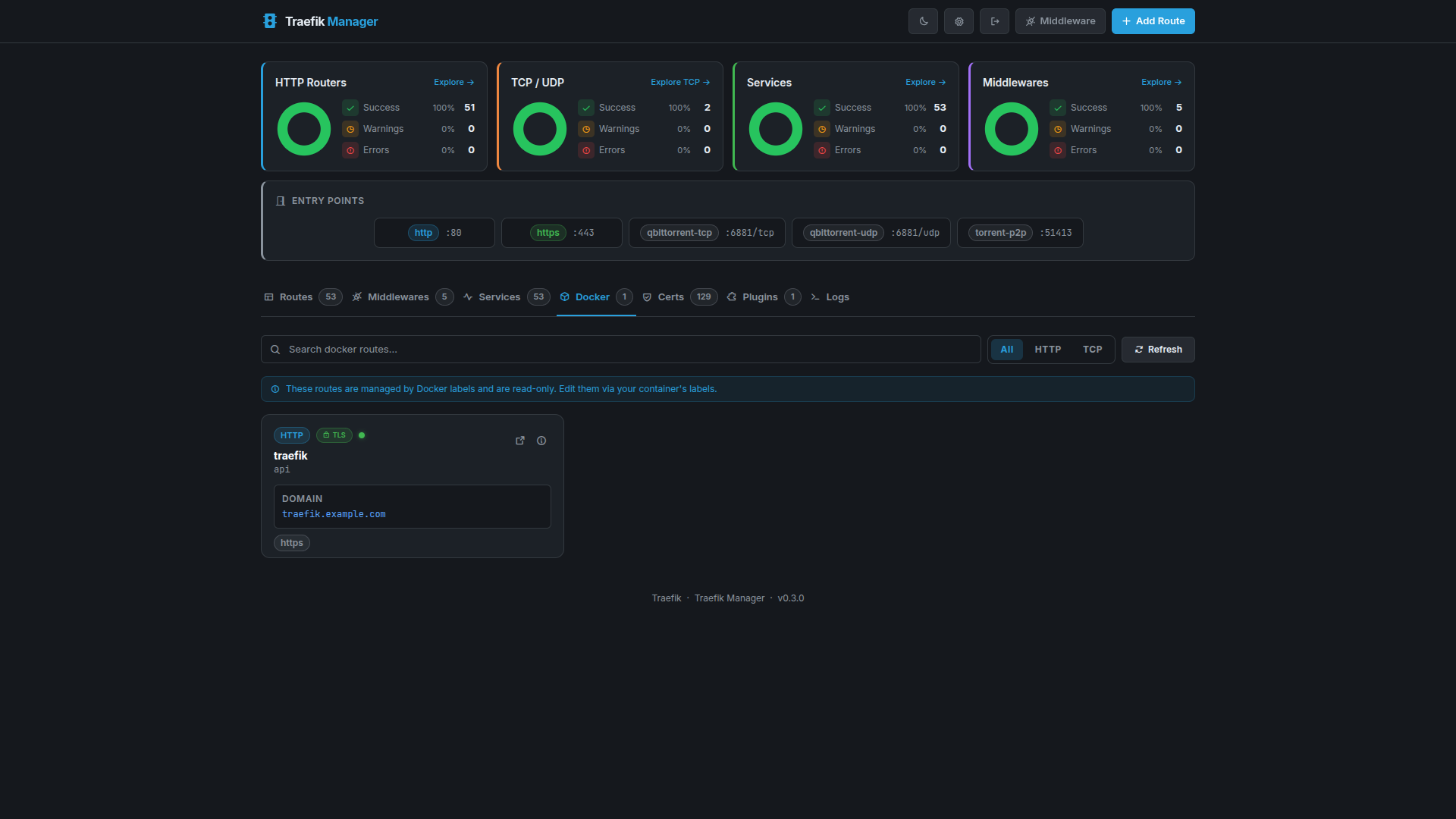
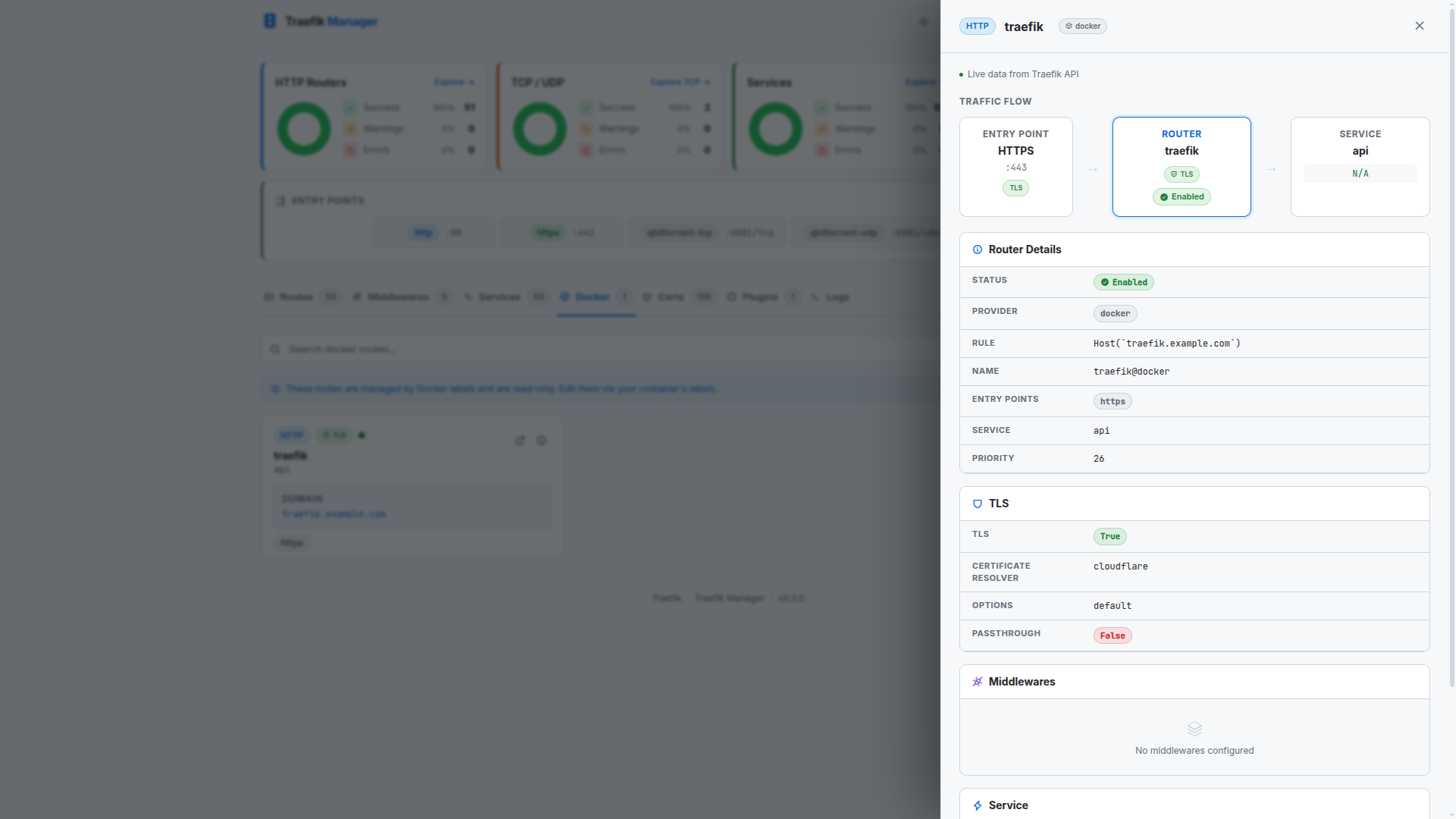
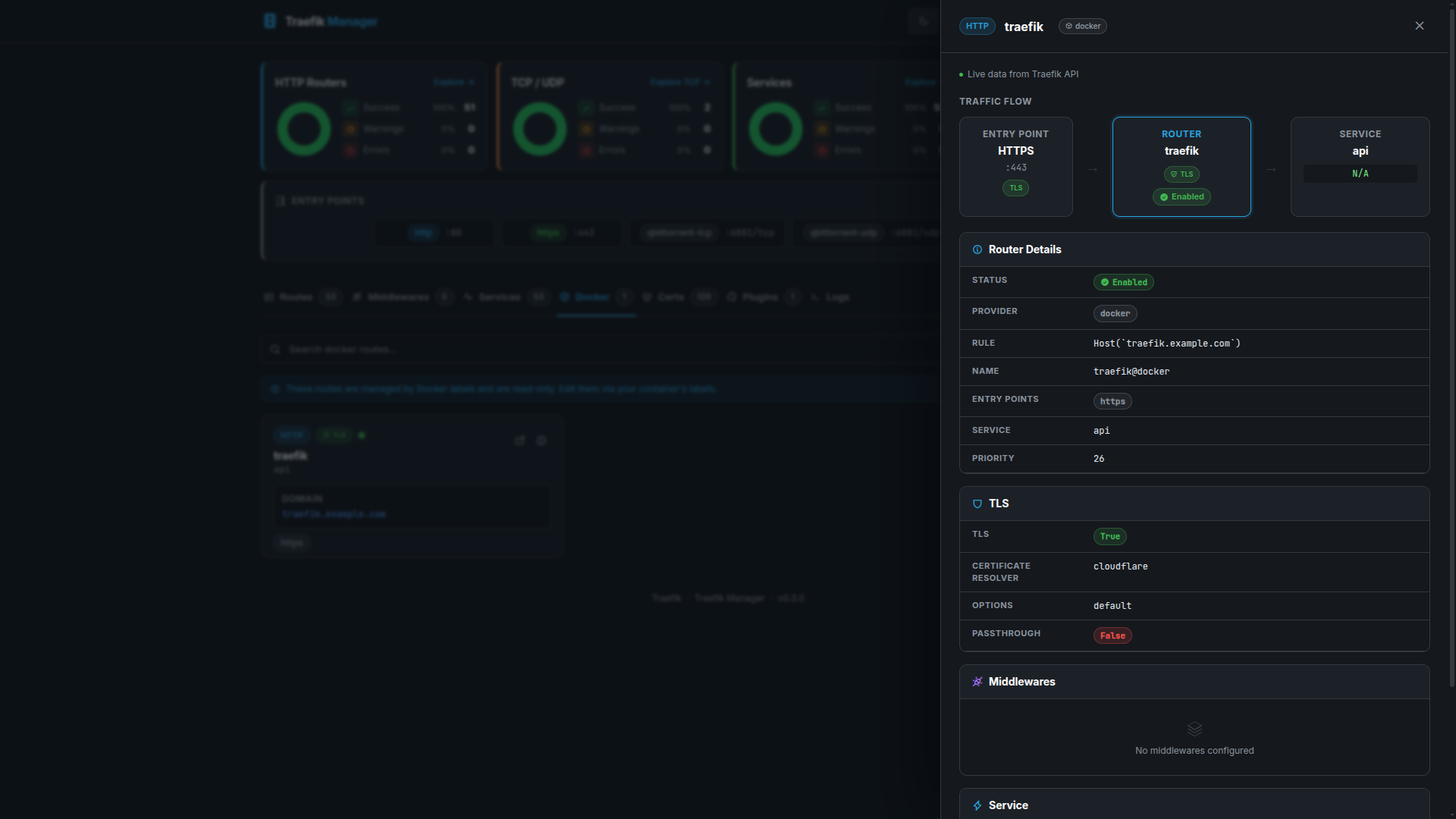
Inspect routes and services discovered via the Docker provider, including container labels and health state.
Docker Routes
Docker Route Details
Logs
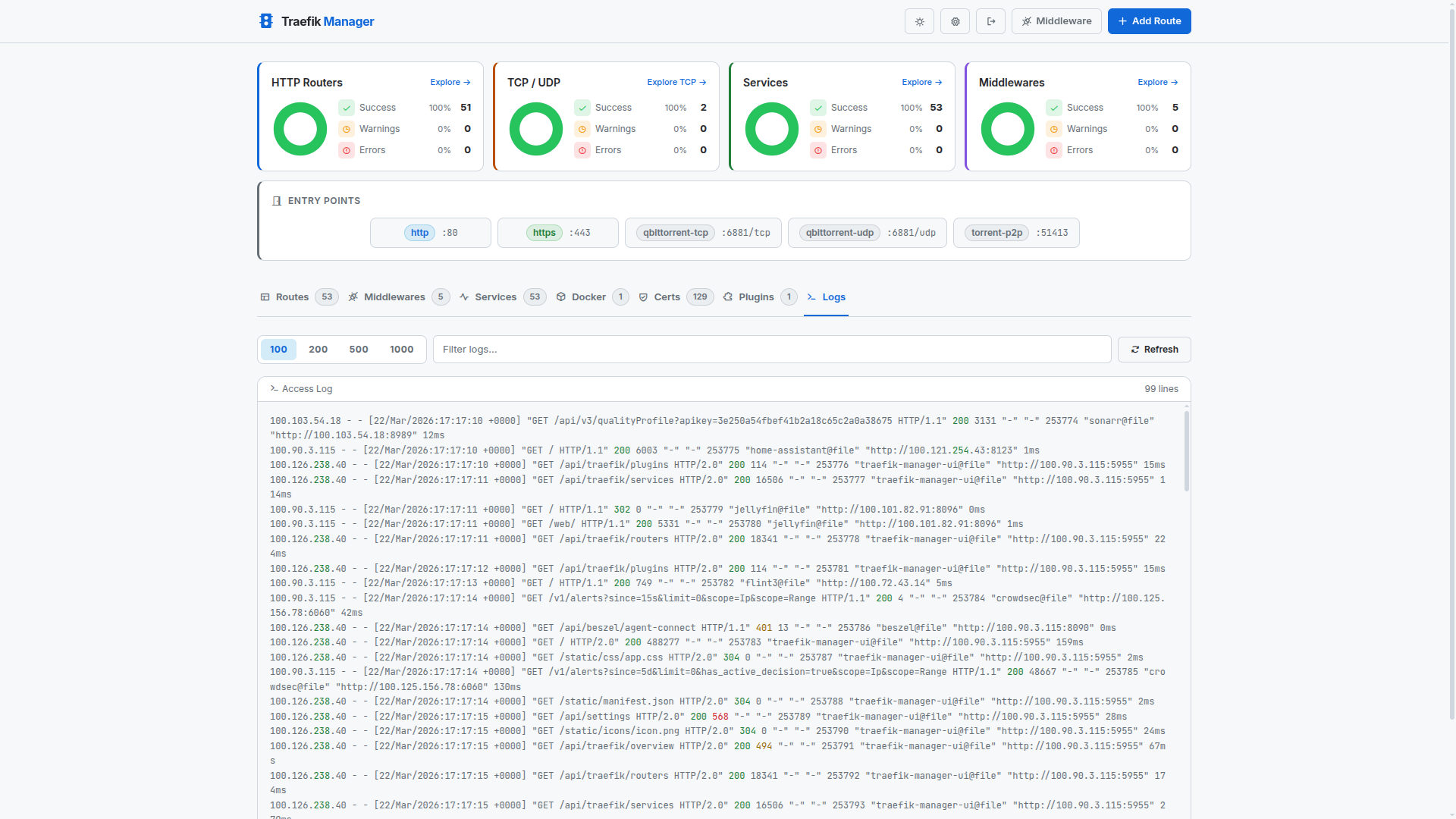
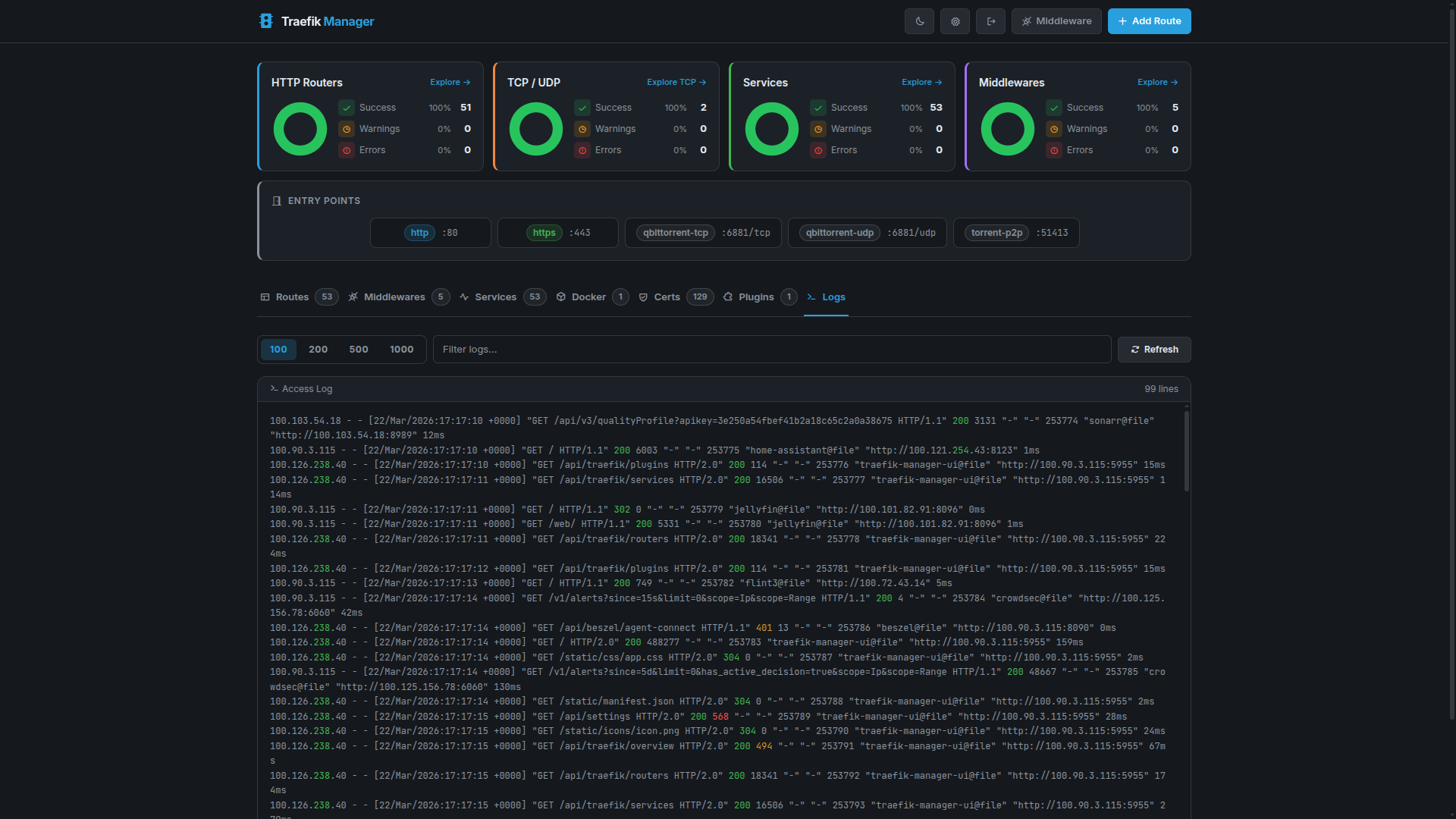
Live and historical Traefik access logs with line-count control and filtering.
Logs View
Settings
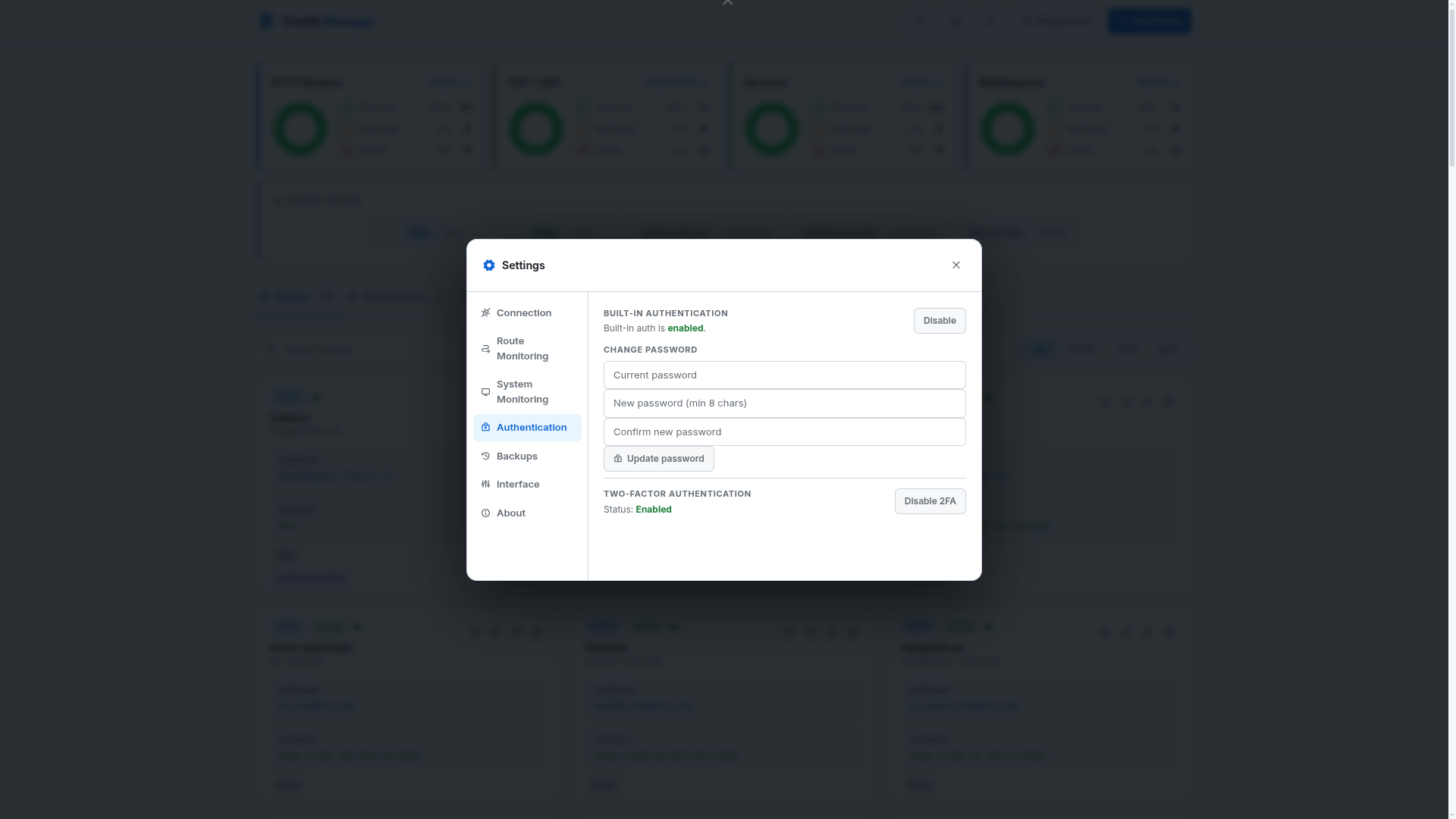
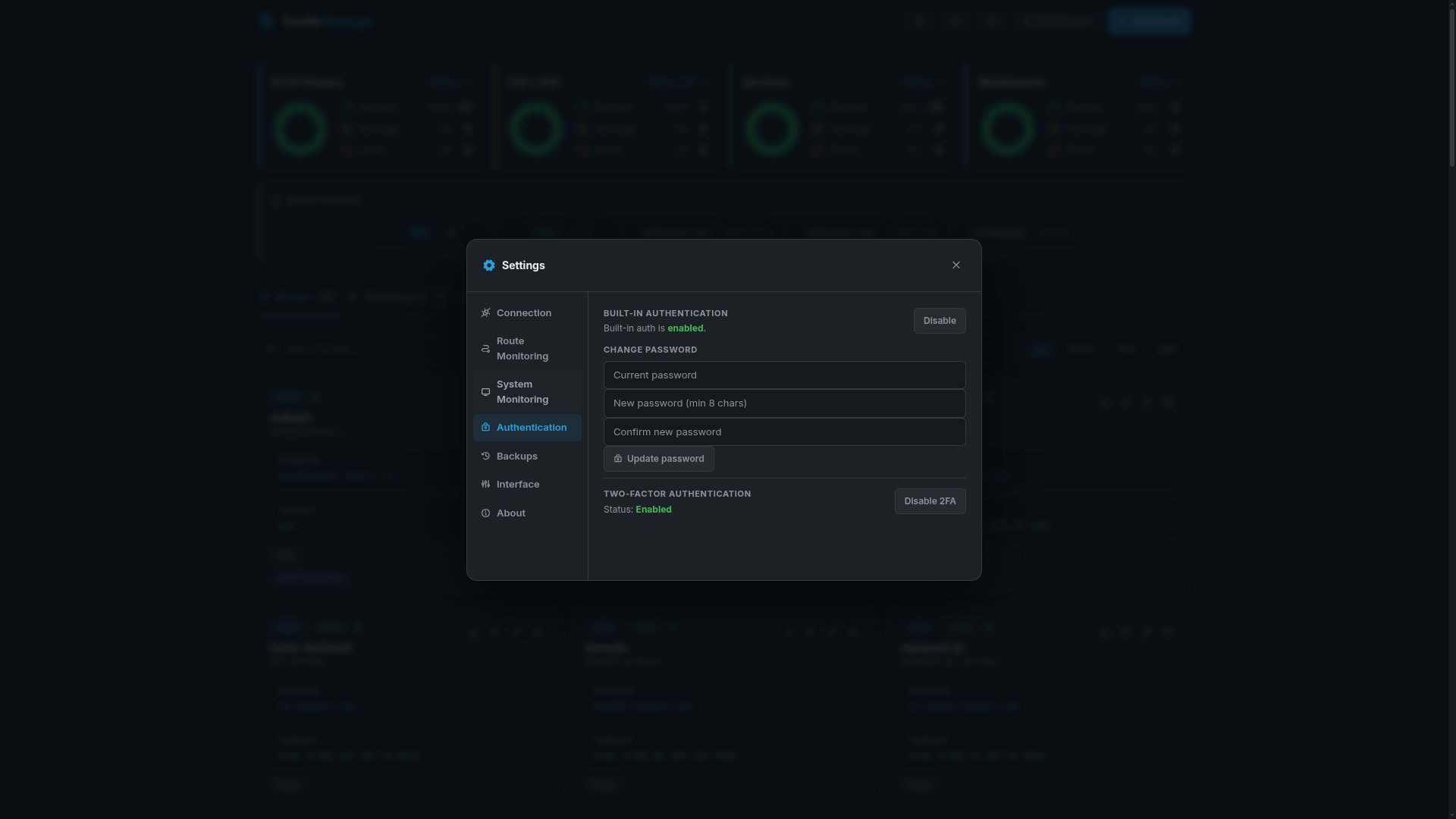
Authentication
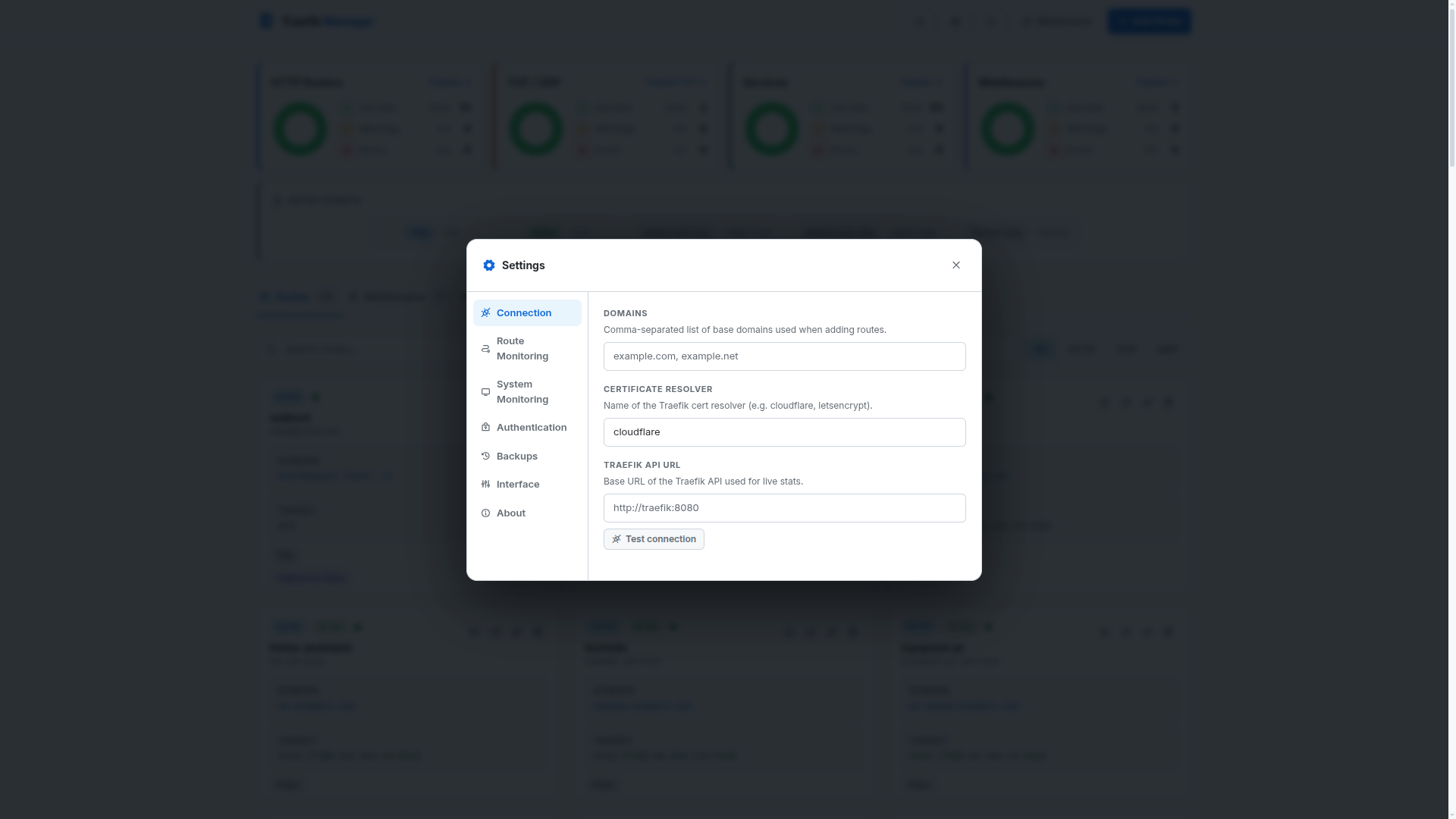
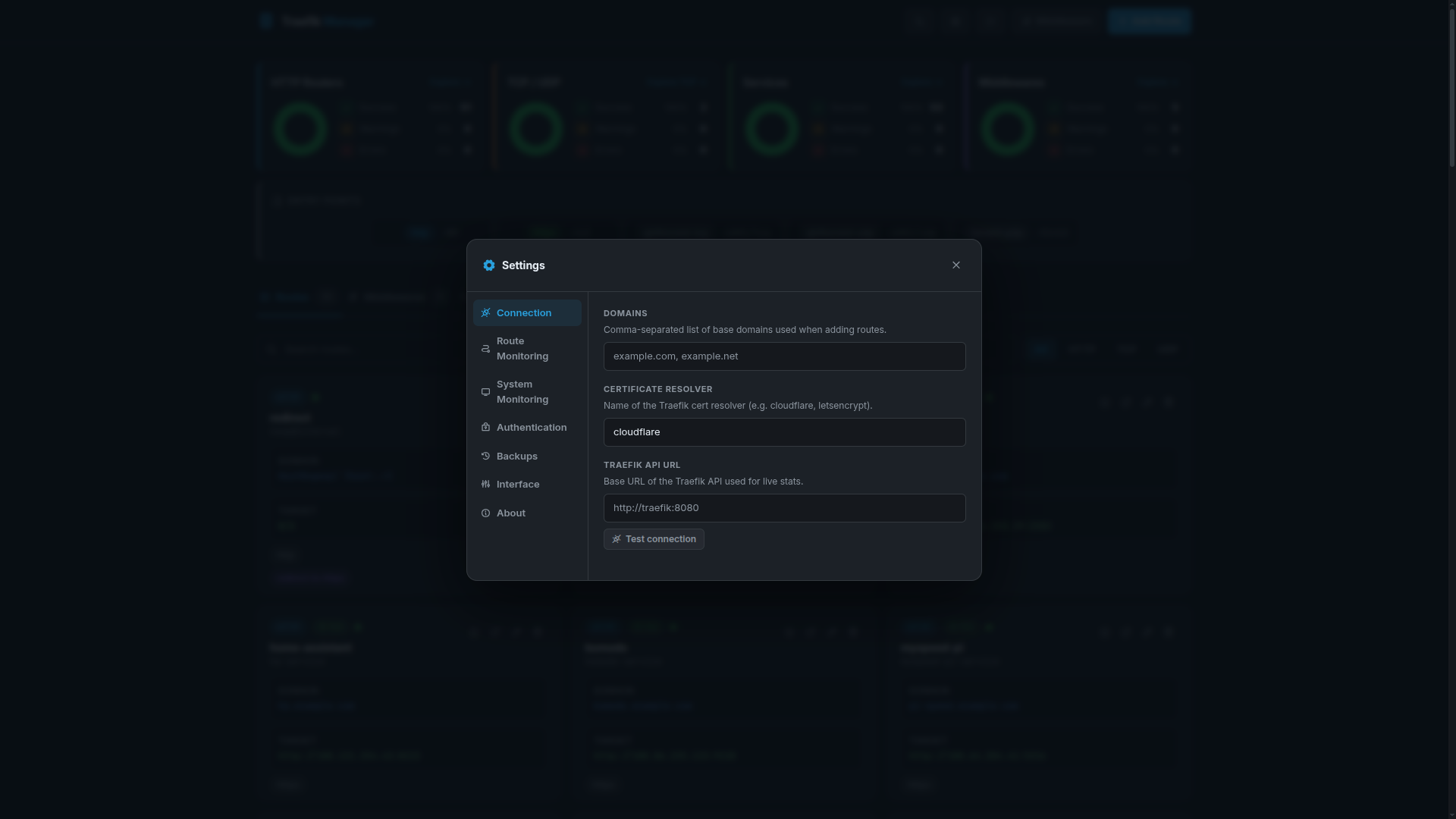
Connections
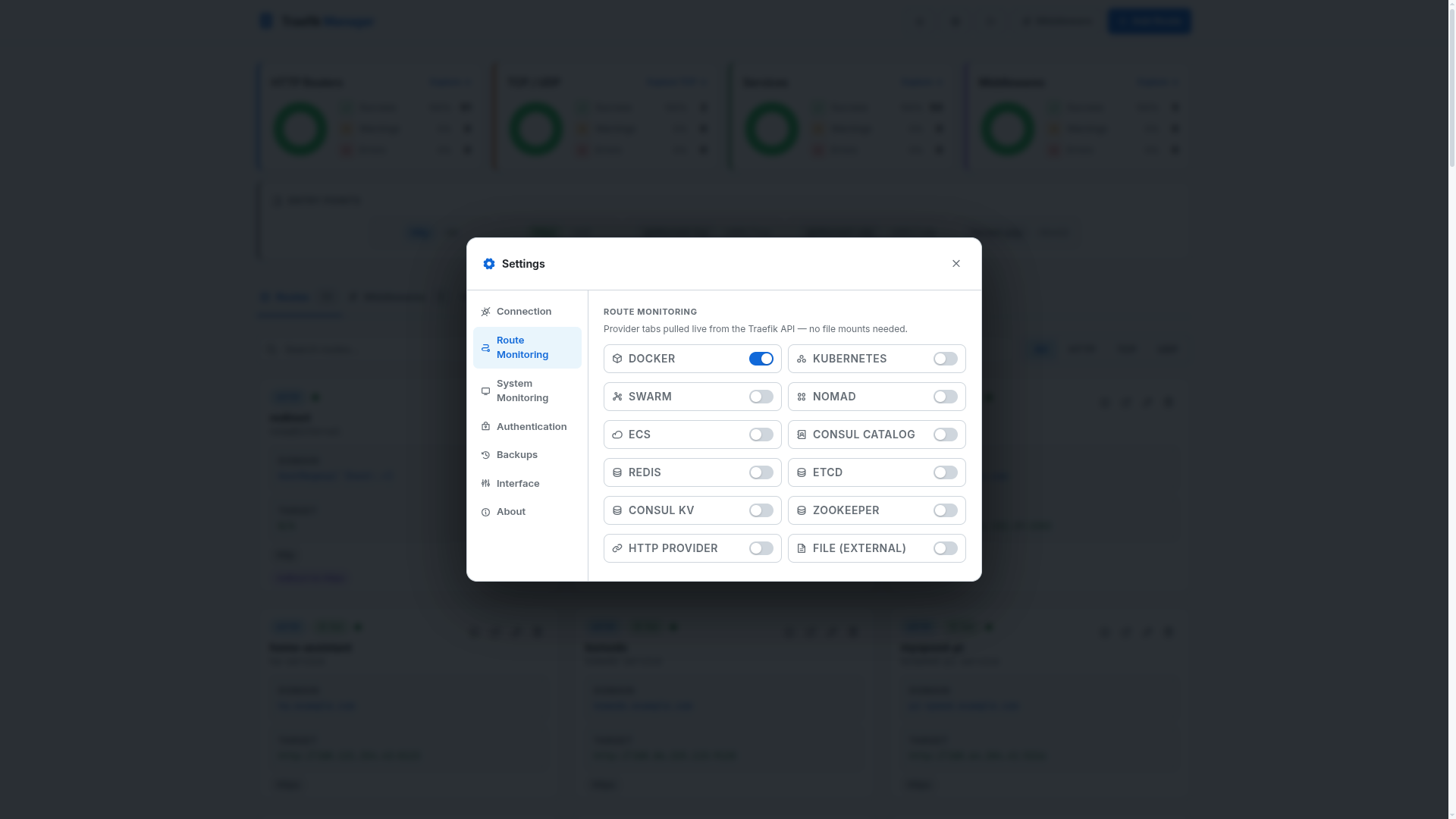
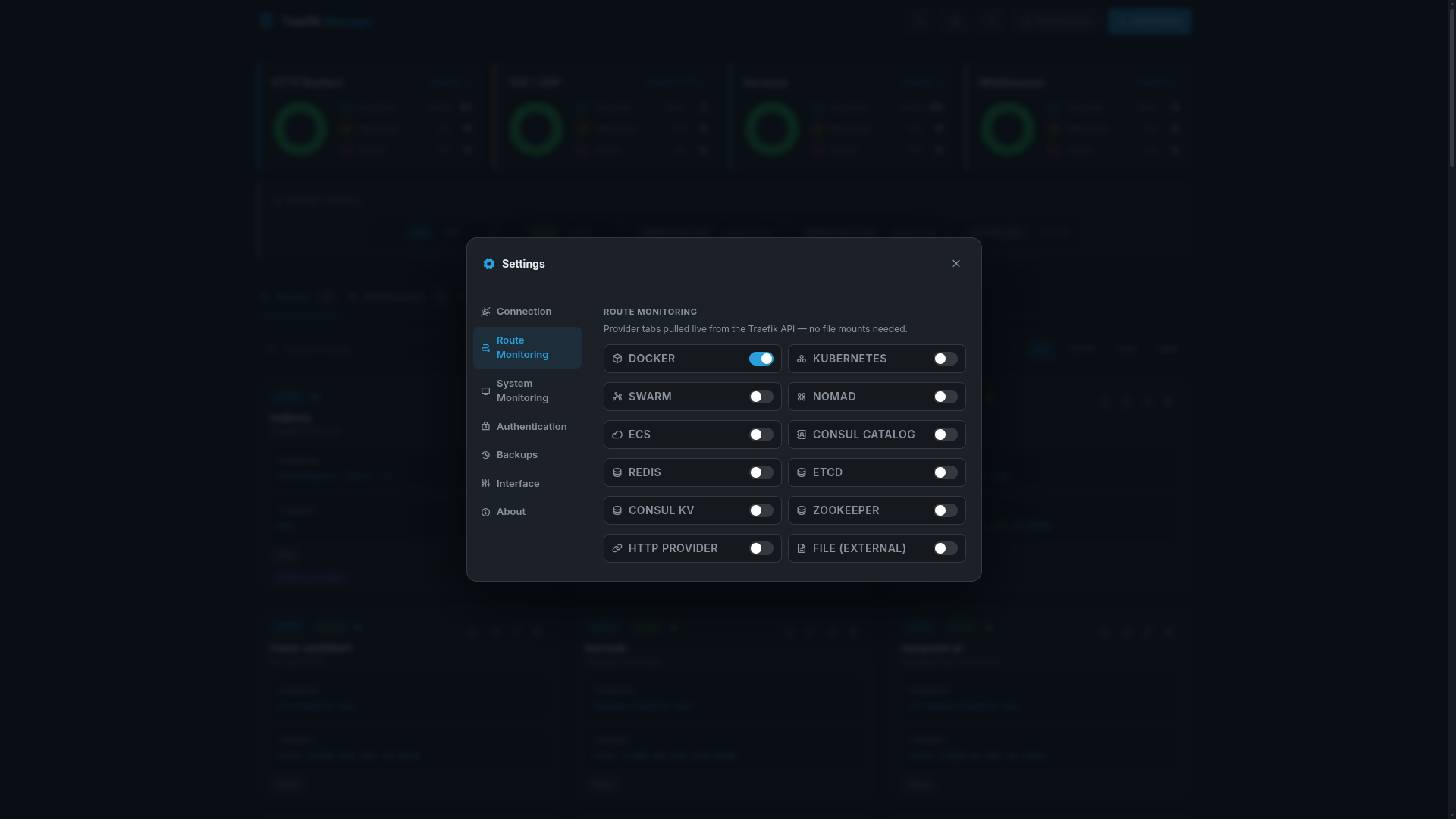
Routes Config
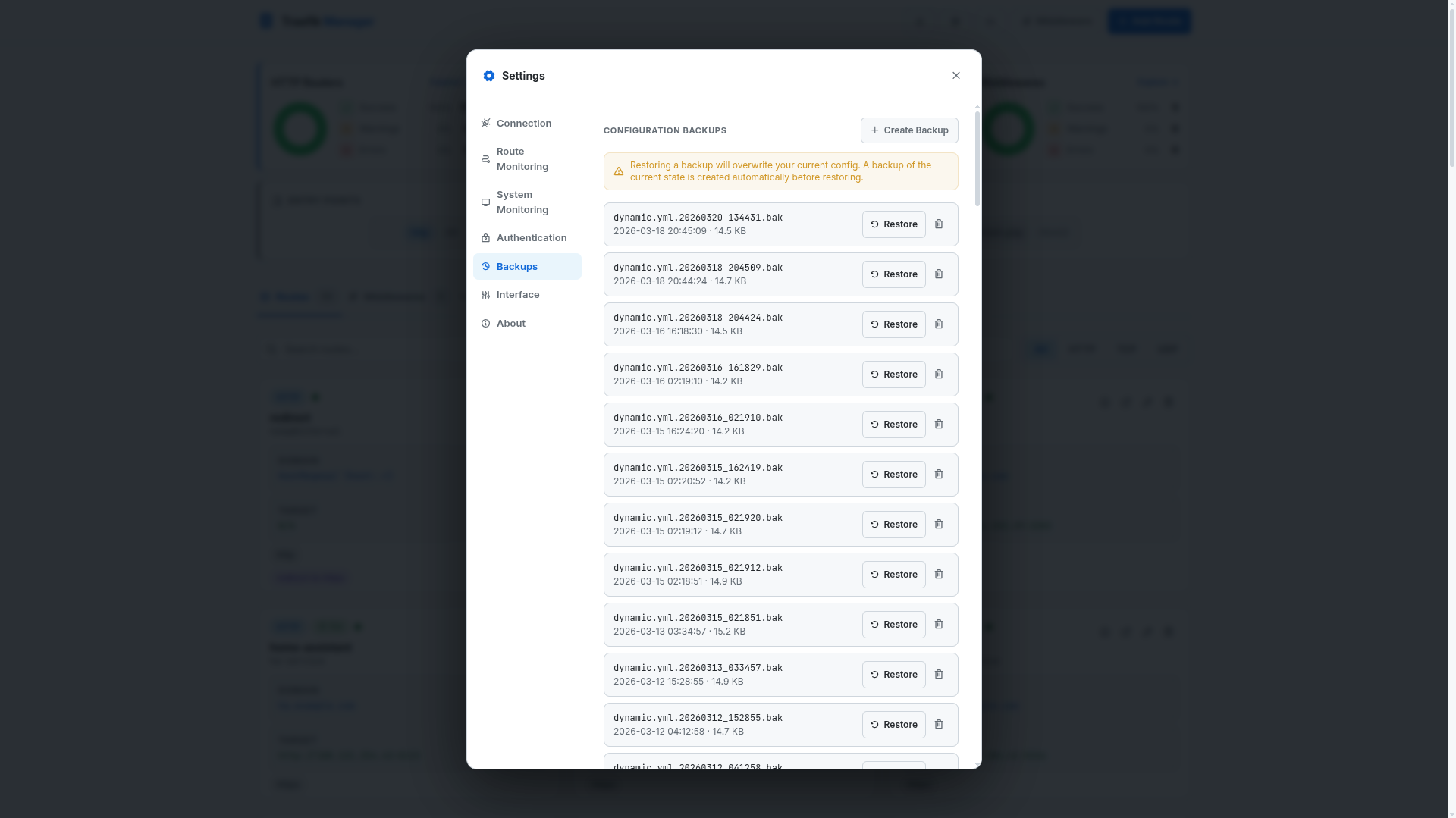
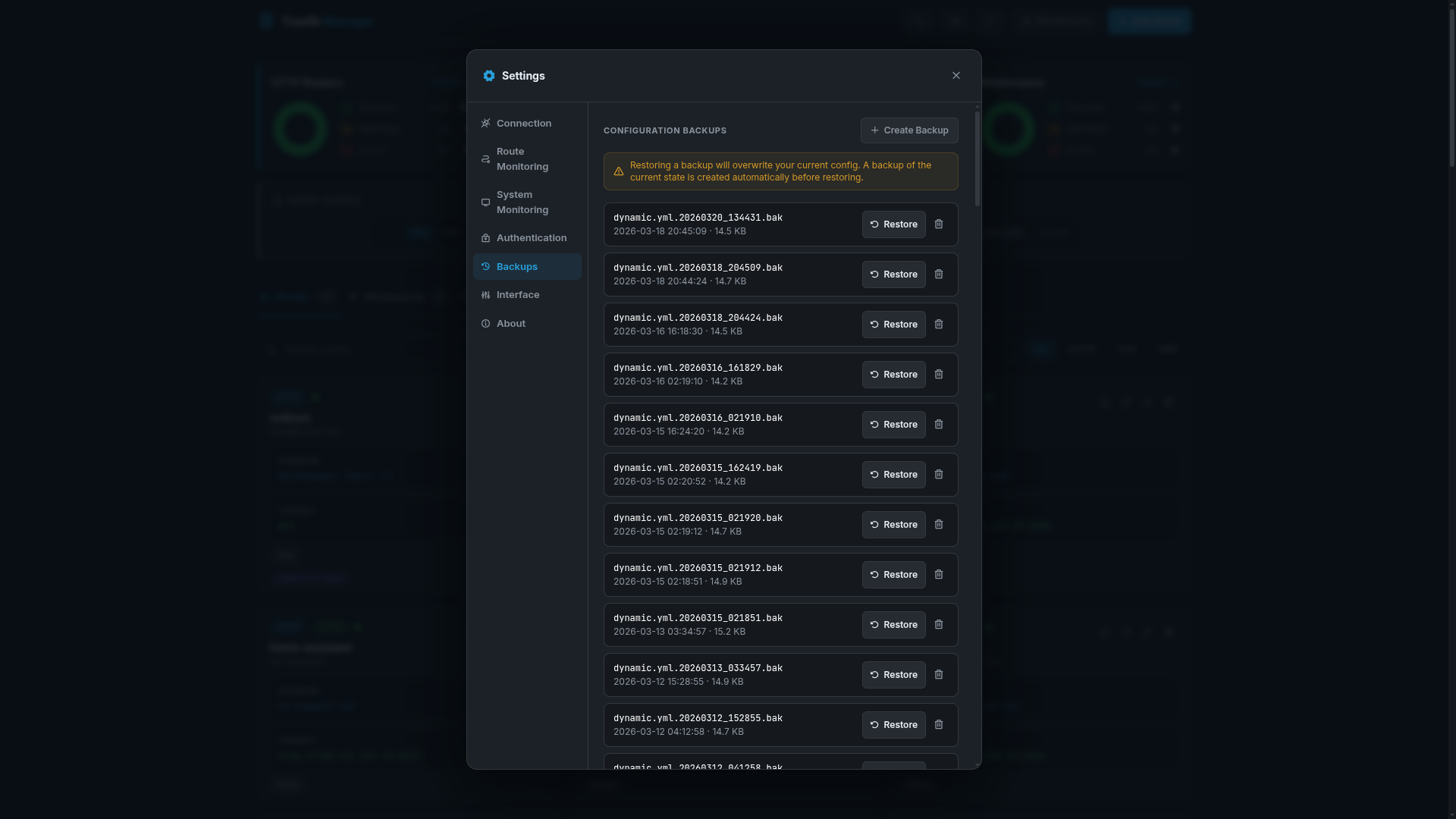
Backups
System
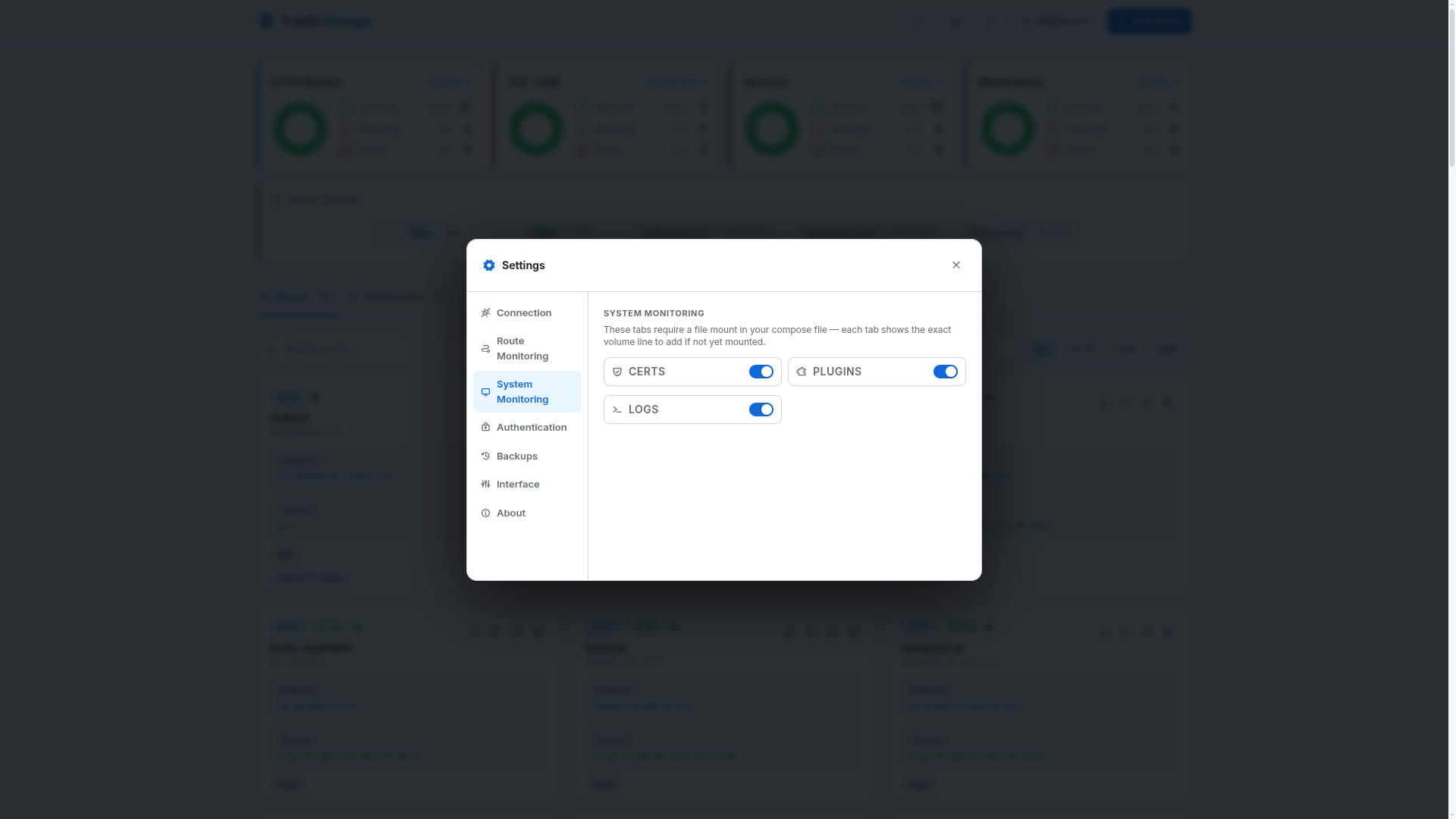
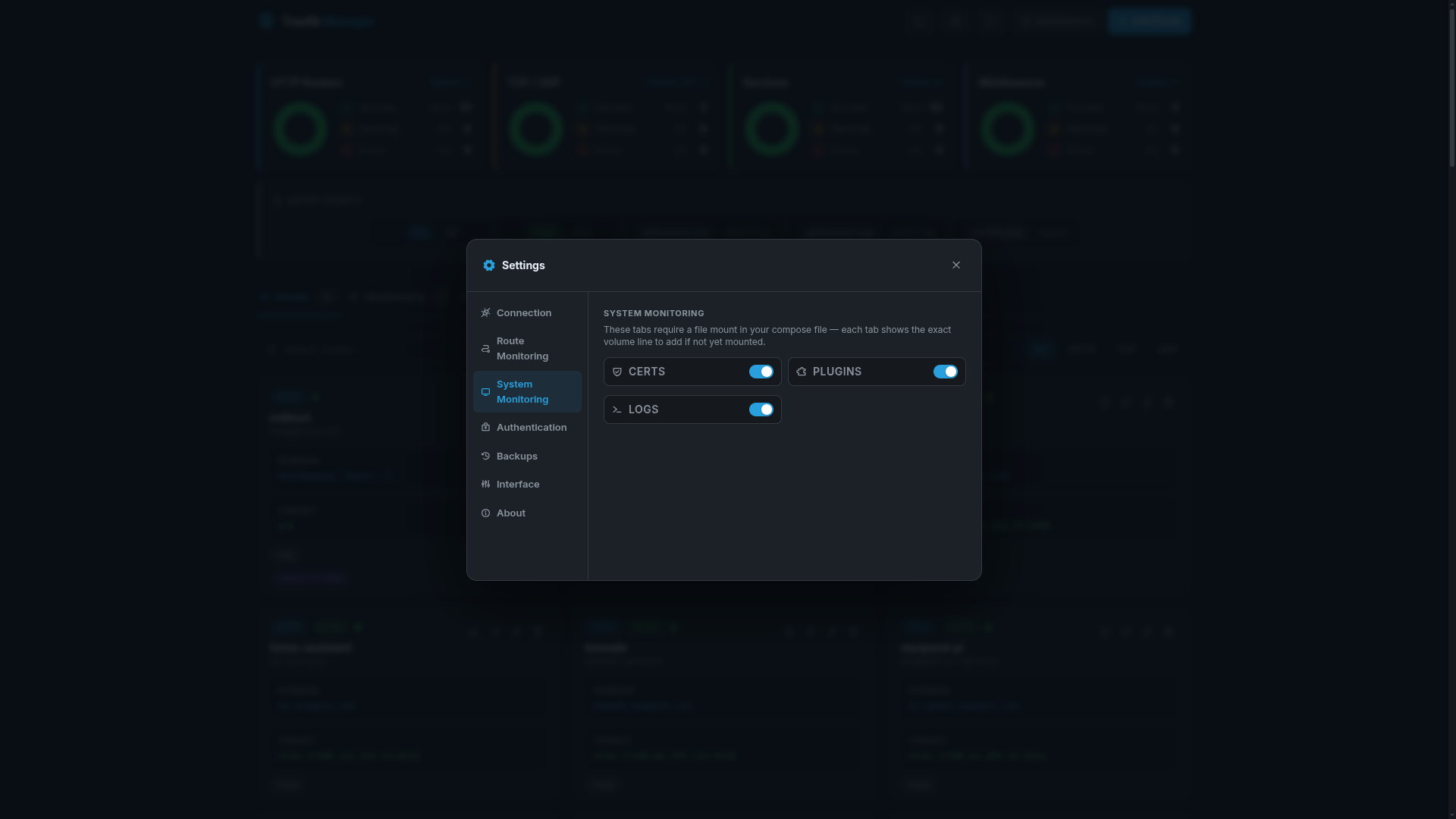
UI Preferences